How Big Is a 300 Inch Projector Screen?
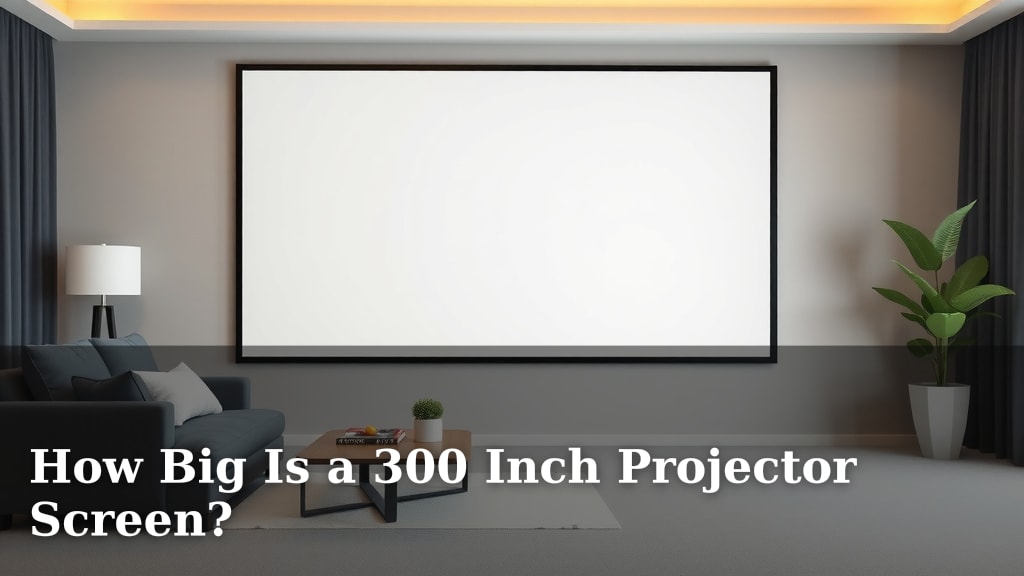
A 300-inch projector screen measures 262 inches wide and 147 inches tall. This massive size is perfect for creating a truly cinematic experience at home. You’ll need a projector with enough brightness and resolution to fill this huge display.
When you’re aiming for a screen this big, it’s important to consider your room size and viewing distance. A 300-inch screen offers an immersive theater-like feel that standard TVs just can’t match. Many homeowners find this size transforms their movie nights and gaming sessions into something truly special.
- A 300-inch screen is roughly 22 feet diagonally.
- It’s about 262 inches wide and 147 inches tall.
- This size creates a truly immersive viewing experience.
- Consider your room size and projector capabilities.
Let’s break down what that means for your home theater setup and how to best use a 300-inch projector screen.
Understanding the Immense Scale of a 300-Inch Projector Screen
So, you’re thinking about a 300-inch projector screen. That’s a bold choice, and a fantastic one for creating an awe-inspiring home cinema. But just how big is that, really? It’s not just a number; it’s a doorway to an entirely different viewing experience. Imagine stepping into a movie theater, right in your living room. That’s the goal with a screen this size.
A 300-inch screen is measured diagonally. When we talk about its dimensions, we’re looking at a width of about 262 inches and a height of roughly 147 inches. That’s over 21 feet wide and almost 12.5 feet tall! It dwarfs even the largest conventional televisions you can buy. It’s about the size of a small one-car garage door. This sheer size is what delivers that unparalleled immersion.
Let’s put that into perspective with some common household items. Think about a king-size bed. It’s typically around 76 inches wide. Our 300-inch screen is nearly 3.5 times wider than a king-size bed. Or consider a standard 8-foot (96-inch) projection screen. This 300-inch screen is almost three times larger in width and height!
The diagonal measurement of 300 inches translates to roughly 25 feet. This is a substantial visual footprint. It commands attention and reshapes the entire feel of your room. You’re not just watching a movie; you’re stepping into the scene itself.
The Math Behind the Monster Screen: Dimensions Explained
We know the diagonal measurement is 300 inches. But how do we get to the 262-inch width and 147-inch height? It comes down to the aspect ratio of the screen. Most modern projectors and content use a 16:9 aspect ratio. This means for every 16 units of width, there are 9 units of height.
Using some geometry, we can calculate these dimensions. The diagonal, width, and height form a right triangle. If we let ‘w’ be the width and ‘h’ be the height, and ‘d’ be the diagonal, we have the Pythagorean theorem: w² + h² = d². With a 16:9 ratio, we can express width and height in terms of a common factor. If width = 16x and height = 9x, then (16x)² + (9x)² = 300².
This works out to 256x² + 81x² = 90000. So, 337x² = 90000. Solving for x, we get x ≈ 16.3. Using this, the width is 16 * 16.3 ≈ 260.8 inches, and the height is 9 * 16.3 ≈ 146.7 inches. These numbers are very close to the commonly cited 262 inches wide and 147 inches tall, accounting for slight rounding or manufacturing variations.
What a 16:9 Aspect Ratio Means for You
The 16:9 aspect ratio is what you’re used to seeing on HDTVs and most streaming services. This is great because your content will fill the screen beautifully. You won’t have large black bars on the sides or top and bottom for most movies and TV shows. This uniformity is key to a seamless viewing experience.
However, some older movies or special cinematic formats might have different aspect ratios, like 2.35:1 or 1.85:1. If you play content with a wider aspect ratio, you’ll see black bars on the sides. If you play content with a taller aspect ratio, you’ll see bars on the top and bottom. Most modern projectors can adjust to these, but it’s good to be aware of the native ratio of your screen and content.
Is Your Room Ready for a 300-Inch Screen?
This is perhaps the most critical question. A screen this enormous requires a substantial amount of space. You can’t just cram it into a small room and expect it to work well. We need to consider two main factors: the physical size of the screen itself and the optimal viewing distance.
Room Dimensions and Clearance
First, you need to ensure the screen can physically fit on your wall, or be mounted appropriately. The 262-inch width alone is over 21 feet. You’ll need a wall that’s at least that wide, plus some extra space for mounting and aesthetics. The 147-inch height means you’ll need a ceiling height of at least 12-13 feet to accommodate it without it looking awkward or being too close to the ceiling.
Many people opt for retractable screens for this size, especially if they don’t want a massive black rectangle dominating their wall when not in use. Even when retracted, the mechanism can take up space. Think about where the projector will be placed too. Longer throw projectors need more distance between the lens and the screen, which impacts room layout.
The Magic of Viewing Distance
Finding the right viewing distance is crucial for comfort and immersion. If you sit too close to a massive screen, your eyes will have to move back and forth too much to take it all in. This can lead to eye strain and a less enjoyable experience. Conversely, sitting too far away diminishes the immersive effect.
For a 300-inch screen with a 16:9 aspect ratio, a good rule of thumb for optimal viewing distance is about 1.5 to 2.5 times the screen’s width. That means you should ideally be sitting between 32 feet and 54 feet away from the screen! Yes, you read that right. This is why 300-inch screens are more commonly found in dedicated home theaters or very large, open-plan living spaces.
We found that many home theater enthusiasts recommend a viewing distance that fills about 30-40 degrees of your field of vision. For a 300-inch screen, this usually lands you in that 30-plus feet range. It’s a distance that mimics the sweet spot in a commercial cinema. For many homes, this distance is simply not achievable without a very large, dedicated room. It’s like trying to fit a grand piano into a studio apartment – it’s possible, but perhaps not practical.
| Screen Width | Optimal Viewing Distance Range | Approximate Field of Vision Filled |
|---|---|---|
| 262 inches (approx. 21.8 ft) | 32.8 ft – 54.7 ft (approx.) | 30-40 degrees |
This table highlights that you need a seriously spacious room. If your living room is 20 feet deep, a 300-inch screen is likely too large to enjoy comfortably.
Projector Requirements for a 300-Inch Display
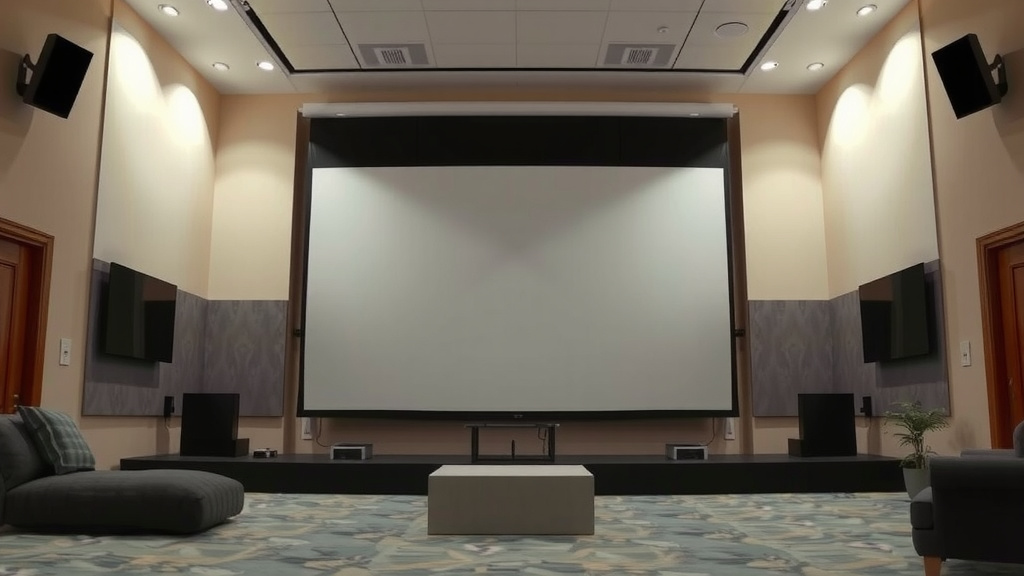
Getting a screen this size is only half the battle. Your projector needs to be powerful enough to do it justice. A weak projector will result in a dim, washed-out image that’s frankly disappointing. You need a projector with plenty of horsepower to light up that massive canvas.
Brightness: The Lumen Requirement
Brightness is measured in lumens. For a smaller screen, say 100-120 inches, you might get away with 2000-3000 lumens. But for a 300-inch screen, you’re going to need significantly more. Many experts suggest a minimum of 5000 lumens for a 300-inch screen, and even more if your room has ambient light.
If your room is completely light-controlled (think blackout curtains and no windows), you might get by with a bit less. But if there’s even a little bit of light bleed, you’ll want to push that lumen count higher, perhaps towards 7000 or even 10,000 lumens. It’s about overcoming the ambient light and filling that huge area with a bright, vibrant picture. The brighter the projector, the more impactful your image will be.
Resolution and Picture Quality
With such a large screen, you’ll notice every pixel. If your projector has a low resolution, like 1080p (Full HD), the image can look pixelated and soft when viewed up close or at typical home theater distances. For a 300-inch screen, 4K resolution (UHD) is almost a necessity to maintain sharpness and detail.
A 4K projector will provide a much clearer, more defined image. This is especially important for text, fine details in images, and vibrant colors. We found that consumers who invested in 4K for larger screens reported a significantly better viewing experience. It’s about making that huge image look as crisp and lifelike as possible, so you can truly appreciate the detail.
Throw Distance Considerations
We touched on viewing distance, but the projector’s throw distance is also vital. This is the distance the projector needs to be from the screen to create the desired image size. Some projectors have a short throw, meaning they can be placed close to the screen. Others have a long throw, requiring them to be placed much further away.
For a 300-inch screen, you’ll almost certainly need a long-throw projector. This means you’ll be mounting it at the back of your room, perhaps on a ceiling mount. You’ll need to carefully measure the required distance for your specific projector model and ensure your room layout can accommodate it. This is not something you want to figure out after you’ve bought everything!
Is a 300-Inch Screen Right for You? A Quick Checklist
Before you dive headfirst into acquiring a screen this size, take a moment to consider these points. It’s a big commitment, but oh-so-rewarding if it fits your situation.
- Do you have a room that is at least 35-40 feet deep?
- Is your room’s ceiling height 13 feet or more?
- Can you effectively control ambient light in your viewing area?
- Do you own or plan to buy a projector with at least 5000+ lumens?
- Is a 4K resolution projector within your budget for this setup?
- Are you prepared for the cost and complexity of such a large-scale installation?
Conclusion
So, you’re ready to go big with a 300-inch projector screen! You now understand its massive dimensions—around 262 inches wide and 147 inches tall—and what it takes to make it work. This screen size offers an unparalleled cinematic feel, but it demands ample space and a powerful projector. Ensure your room can accommodate the viewing distance and that your projector boasts sufficient lumens and 4K resolution. Your next step is to measure your space carefully and select a projector that can truly fill that giant canvas with stunning visuals.
Frequently Asked Questions
How much space do I really need for a 300-inch projector screen?
You’ll need a room that is at least 35-40 feet deep to achieve the optimal viewing distance. Your ceiling height should ideally be 13 feet or more to comfortably fit the screen’s height and mounting. Make sure there’s enough wall space for the screen itself plus surrounding clearance.
Can I use a 1080p projector with a 300-inch screen?
While technically possible, it’s not recommended. A 300-inch screen is so large that a 1080p resolution will likely appear pixelated and soft. For such a massive display, a 4K (UHD) projector is strongly advised to maintain sharpness and detail, providing a truly immersive experience.
What does “aspect ratio” mean for my 300-inch screen?
The aspect ratio, usually 16:9 for modern screens, determines the screen’s proportions (width to height). A 16:9 ratio means your content, like most TV shows and movies, will fill the screen nicely without large black bars. Some older films or cinematic formats might use different ratios, resulting in side or top/bottom bars.
Is a 300-inch screen too big for a typical living room?
For most standard living rooms, yes, a 300-inch screen is likely too large. The required viewing distance (30-plus feet) is often unattainable in smaller or medium-sized rooms. It’s best suited for dedicated home theaters or very large, open-plan spaces.
How many lumens does my projector need for a 300-inch screen?
You’ll need a projector with high brightness. Experts suggest a minimum of 5000 lumens, but 7000-10,000 lumens is preferable, especially if your room isn’t completely light-controlled. More lumens help combat ambient light and ensure a vibrant, impactful image on such a large screen.