Beamer vs Projector: What’s the Difference?
So, you’re wondering about the difference between a beamer and a projector? Think of it this way: a beamer is a type of projector. All beamers are projectors, but not all projectors are beamers. The term ‘beamer’ is more common in some regions, often referring to projectors used for presentations or home entertainment. We found that understanding this distinction helps when you’re shopping for the right display device for your needs. It’s about finding the perfect fit for your movie nights or business meetings!
When people talk about beamers, they’re usually thinking about devices that throw a large image onto a screen or wall. Projectors are a broader category, and while beamers fit right in, the term ‘projector’ can also include things like overhead projectors or even slide projectors from decades past. We discovered that the modern context usually implies a digital projector. Knowing the differences helps you avoid confusion when you see different product names and descriptions. It’s all about the clarity of the image and the technology used.
Here’s a quick rundown:
- A beamer is just a popular name for a type of projector.
- Think of it like ’tissues’ vs. ‘Kleenex’ – one is a brand/type, the other is the general item.
- Most modern beamers are digital projectors.
- They’re great for movies, games, and presentations.
- The main goal is to project a large image.
Ready to dive deeper? Let’s break down the key differences and what you should look for.
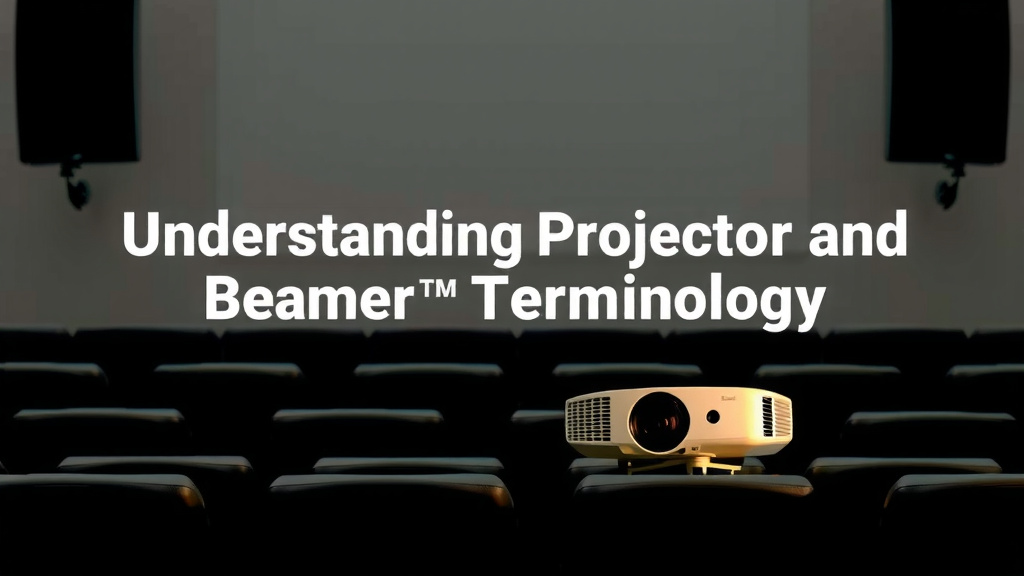
Understanding Projector and Beamer Terminology
So, what’s the real scoop on beamers and projectors? You’ve likely heard both terms tossed around. We’ve found that the key thing to remember is that a beamer is a specific type of projector. Think of it like this: all squares are rectangles, but not all rectangles are squares. In the same vein, all beamers are projectors, but not all projectors are beamers. The term ‘beamer’ is often used interchangeably with ‘projector’ in everyday conversation, especially when referring to modern digital devices used for entertainment and presentations.
Projector: The Broader Category
The word ‘projector’ is the umbrella term. It covers any device that takes an image or video and projects it onto a surface, like a screen or wall. This category includes everything from the old-school slide projectors your parents might have used to sophisticated cinema projectors. We discovered that historically, projectors served many purposes, from education to art.
Beamer: A Modern Interpretation
When people say ‘beamer’ today, they are almost always talking about a digital projector. This is the kind you’d use for a movie night in your living room, a gaming session on a huge screen, or a business presentation. These beamers use modern technology to display images. We found that this term is particularly common in certain regions, like Europe, but the concept is universal: it’s a device for projecting digital content.
Key Differences in Technology and Use
While the terms are often used interchangeably, understanding the underlying technology can help you make a better choice. Modern beamers primarily use digital projection technologies, but older projectors might not. Let’s break down what that means for you.
Digital Projection Technologies
Today’s beamers mostly rely on one of two digital technologies: DLP (Digital Light Processing) or LCD (Liquid Crystal Display). Each has its own strengths.
DLP (Digital Light Processing)
DLP projectors use a tiny chip with millions of microscopic mirrors. These mirrors tilt rapidly to reflect light through a color wheel and lens, creating the image. Many users report that DLP offers excellent contrast ratios and deep blacks, which is great for movies. We found that DLP can also produce very sharp images.
LCD (Liquid Crystal Display)
LCD projectors, on the other hand, use three small LCD panels – one for red, one for green, and one for blue. Light passes through these panels to create the image. Research indicates that LCD projectors often offer brighter colors and can be a good choice for presentations where color accuracy is key. They typically don’t have the ‘rainbow effect’ that some DLP projectors can exhibit.
Older Projection Methods
It’s worth noting that not all projectors are digital. You might encounter older technologies like:
- CRT (Cathode Ray Tube) Projectors: These used three electron guns, similar to old TVs. They are bulky and have largely been replaced by digital technologies.
- Overhead Projectors: These were common in classrooms for decades. You’d place transparencies on a flat surface, and a light beam would project them onto a screen.
- Slide Projectors: Used to display individual slides from photographic film.
When we talk about beamers in the modern sense, we’re talking about DLP or LCD technology. These are the ones you’ll find in electronics stores today. They offer superior image quality and portability compared to older methods.
What to Look For in a Modern Projector (Beamer)
Ready to find the right device for your needs? Whether you call it a beamer or a projector, a few key features will make a big difference in your viewing experience. We’ve researched what matters most to users.
Brightness (Lumens)
Brightness is measured in lumens. A higher lumen count means a brighter image. This is especially important if you plan to use the projector in a room with ambient light. For a dark home theater, fewer lumens might be fine. Many experts suggest at least 2,000-3,000 lumens for a good home viewing experience. For brightly lit rooms, you might need 4,000 lumens or more (Cleveland Clinic).
Resolution
Resolution refers to the number of pixels that make up the image. Higher resolution means a sharper, more detailed picture. Common resolutions include:
- 720p (HD): Basic resolution, suitable for casual viewing.
- 1080p (Full HD): A popular choice for movies and general use, offering a good balance of quality and price.
- 4K UHD (Ultra High Definition): Provides the sharpest, most detailed images, ideal for cinephiles.
We found that for a truly immersive experience, especially on larger screens, 1080p or 4K resolution is highly recommended.
Contrast Ratio
The contrast ratio describes the difference between the darkest black and the brightest white a projector can display. A higher contrast ratio results in deeper blacks and more vibrant colors. This is crucial for enjoying movies with dramatic scenes and nuanced lighting.
Throw Ratio
The throw ratio determines how far the projector needs to be from the screen to create a specific image size. A shorter throw ratio means you can place the projector closer to the screen, which is great for smaller rooms. Long-throw projectors need more distance.
Connectivity
Ensure the projector has the ports you need. HDMI is standard for connecting laptops, gaming consoles, and streaming devices. USB ports are also useful. Some projectors offer wireless connectivity, which adds convenience.
Beamer vs. Projector: A Quick Comparison Table
To help you visualize the differences and similarities, here’s a handy table. Remember, in most modern contexts, when people say ‘beamer,’ they mean a digital projector.
| Feature | Beamer (Modern Digital Projector) | Projector (Broader Category) |
|---|---|---|
| Primary Function | Projecting digital images/video | Projecting any image onto a surface |
| Technology | DLP, LCD, LCoS | DLP, LCD, LCoS, CRT, Overhead, Slide |
| Common Use | Home entertainment, presentations, gaming | Historically: education, art. Currently: all modern uses plus older specialized applications. |
| Image Quality | High resolution, good color, sharpness | Varies greatly by technology; older types may have lower quality. |
| Portability | Generally portable | Varies; many older types are not portable. |
| Term Usage | Often used regionally or colloquially for digital projectors. | The overarching technical term for all projection devices. |
Your Checklist for Choosing the Right Device
Deciding between different models can feel overwhelming. Here’s a quick checklist to guide your decision:
- Identify Your Room: Measure your space and consider ambient light levels.
- Prioritize Resolution: Decide if 1080p or 4K is a must-have for you.
- Check Brightness (Lumens): Match lumens to your room’s lighting conditions.
- Consider Your Content: Movies benefit from high contrast; presentations need good color accuracy.
- Look at Connectivity: Ensure it has the inputs you need for your devices.
- Set Your Budget: Prices vary widely based on features and quality.
By focusing on these points, you’ll be well on your way to selecting the perfect projector, or ‘beamer,’ for your home or office!
Conclusion
So, to wrap things up, remember that a beamer is essentially a modern digital projector. While ‘projector’ is the broad term covering all devices that project images, ‘beamer’ often refers to the sleek, digital models we use for entertainment and work today. We’ve seen that understanding the technology like DLP and LCD, and knowing what to look for—brightness, resolution, and contrast—will help you pick the perfect device. Your next step is to measure your space and think about how you’ll use your new projector. This way, you’ll be sure to find the one that delivers the big-screen experience you’re looking for!
Frequently Asked Questions
Is a beamer the same as a projector?
Yes, in most common situations, a beamer is just a type of projector. Think of it like ’tissue’ versus ‘Kleenex’ – one is a specific kind, and the other is the general item. The term ‘beamer’ is often used colloquially, especially in some regions, to refer to modern digital projectors used for home entertainment or business.
Which is better for movies: a DLP or LCD projector?
For movies, many users find DLP projectors offer better contrast and deeper blacks, which enhances the cinematic feel. However, LCD projectors can provide more vibrant colors and are also a great choice for home viewing. We’ve found that both can produce excellent results depending on the specific model and your preferences.
How important is brightness (lumens) for my projector?
Brightness, measured in lumens, is very important, especially if you can’t fully control ambient light in your viewing room. A higher lumen count means a brighter image that stands out better in lit conditions. For dark home theaters, fewer lumens might suffice, but for rooms with windows, you’ll want a higher number.
What’s the difference between 1080p and 4K resolution on a projector?
Resolution refers to the number of pixels creating the image. 1080p (Full HD) offers a sharp image that’s great for most uses, providing a good balance of quality and price. 4K UHD offers significantly more pixels, resulting in an even sharper and more detailed picture, which is ideal for the most immersive viewing experience on larger screens.
Do I need a short-throw or long-throw projector?
This depends entirely on your room size. A short-throw projector can create a large image from a very close distance, making it perfect for smaller rooms or tight spaces. A long-throw projector needs more distance between the projector and the screen to achieve the same image size, which works well in larger living rooms or home theaters.