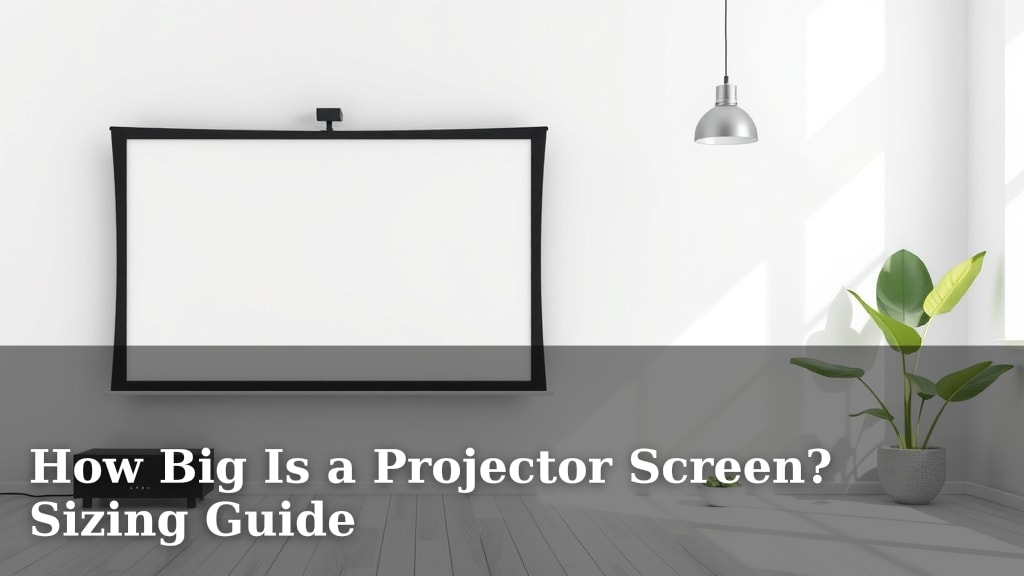
How Big Is a Projector Screen? Sizing Guide
The ideal projector screen size depends on your room and viewing distance. For most living rooms, screens between 100 to 120 inches are a great starting point. This size offers an immersive experience without overwhelming your space. We found that smaller screens feel inadequate, while much larger ones can strain your eyes.
Choosing the right screen size is more than just picking a number. It’s about creating the perfect home theater experience. We’ve researched how screen dimensions interact with projector brightness and your seating arrangement. Getting this balance right means your movie nights will be truly spectacular.
- Screen size depends on room size and seating distance.
- 100-120 inches is a good range for most living rooms.
- Too small and it feels lacking; too big and it’s uncomfortable.
- Consider your projector’s capabilities too.
- We’ll help you find the sweet spot for your setup.
Ready to find the perfect projector screen for your home? Let’s walk through exactly how to measure and choose the best size for your space.
“`htmlFinding Your Perfect Projector Screen Size
You’ve got the projector, you’re excited about movie nights. Now, what about that screen? The right screen size makes a huge difference. It’s not just about having a bigger picture; it’s about having the best possible viewing experience for your specific room and where you’ll be sitting. We’ve looked into what makes a screen feel just right.
The Golden Rule: Viewing Distance Matters Most
Think about your favorite movie theater. You sit a certain distance from the screen, right? That’s not an accident. The same principle applies to your home setup. The distance between your seating and the screen is the most important factor in choosing its size. Too close, and you’ll be moving your head to see everything. Too far, and you miss the detail. We found that a comfortable viewing distance is key to avoiding eye strain.
SMPTE Recommendations for Immersive Viewing
The Society of Motion Picture and Television Engineers (SMPTE) offers guidelines for a cinematic feel. They suggest that the bottom of the screen should be roughly at eye level when you’re seated. More importantly, they recommend a viewing distance that allows the screen to fill about 30 degrees of your field of vision. For a 100-inch diagonal screen, this typically means sitting about 8 to 10 feet away. Many experts agree this range provides an immersive experience without being overwhelming (SMPTE).
THX Standards for the Ultimate Home Theater
If you’re aiming for a true home theater vibe, THX has even more specific guidelines. THX standards suggest a wider field of vision, around 36 to 40 degrees. This often means a larger screen or sitting a bit closer. For a 100-inch screen, THX might suggest sitting around 6 to 8 feet away. We found that following THX can make you feel like you’re right in the middle of the action.
Calculating Your Ideal Screen Size
Ready to do some math? Don’t worry, it’s simple! You can easily figure out a good screen size based on your room. The first step is to measure your seating distance. Measure from your primary viewing position (your favorite couch spot!) to where the screen will be. Let’s call this distance ‘D’.
The Simple Formula for Screen Width
A common and reliable method is to use the viewing distance to determine the screen’s width. Many sources suggest that the screen width should be about 0.84 times your viewing distance (D). So, if you sit 10 feet (120 inches) away, your ideal screen width would be around 100 inches (120 inches * 0.84). This is a good starting point, and we found it usually leads to a comfortable view.
Diagonals vs. Width: What’s the Difference?
Projector screens are almost always measured by their diagonal size. Remember, a 100-inch screen means the diagonal line across the screen is 100 inches. This diagonal measurement is what determines the screen’s width and height, based on its aspect ratio (usually 16:9 for home theaters). So, if our calculation gives us a desired width of 100 inches, we’d then look for a screen with a diagonal size that matches that width for a 16:9 aspect ratio. We found that understanding this difference is key to avoiding confusion when shopping.
Room Size and Wall Space Considerations
Beyond viewing distance, your room itself plays a role. You need to ensure the screen physically fits without dominating the space. Think about the overall dimensions of your room. Is it a large, open living area or a cozier, dedicated media room? You don’t want a screen that makes your room feel cramped or too small.
Minimum Wall Space Needed
Before falling in love with a massive screen, measure the wall where it will go. You need space not only for the screen itself but also for mounting hardware and some breathing room around the edges. We recommend having at least 6-12 inches of clear wall space on each side of the screen and above it for a cleaner look. For fixed frame screens, this is especially important to ensure the frame doesn’t look like it’s about to fall off the wall.
Aesthetic Balance: Screen to Room Ratio
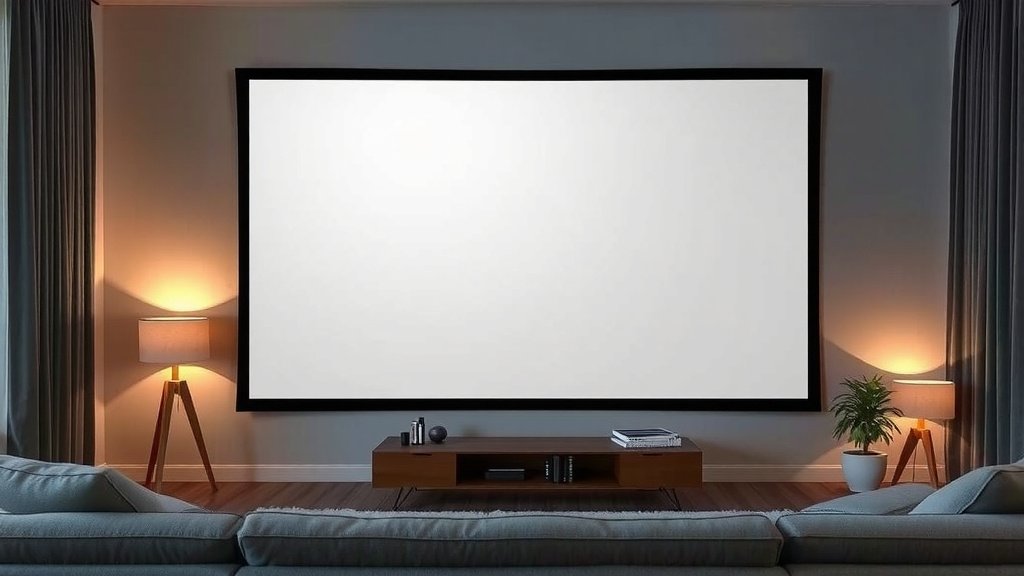
Your screen size should feel balanced with the rest of your room’s furniture and decor. A massive 150-inch screen might be technically doable based on viewing distance, but if it makes your couch look like a toy car, it’s probably too big. We found that many people are happiest with screens that fill about two-thirds of the wall space between common furniture pieces. This keeps the room feeling comfortable and inviting, not like a cinema lobby.
Projector Capabilities: Brightness and Resolution
Your projector and screen size are a team. They need to work well together. A screen that’s too large for your projector can result in a dim, washed-out image. Conversely, a screen that’s too small might not let your projector’s high resolution shine.
Screen Gain: How Brightness is Affected
Projector screens have something called ‘gain.’ A gain of 1.0 is neutral. Higher gain screens reflect more light towards the viewer, making the image appear brighter. However, they can also reduce viewing angles and create ‘hotspots’ where the center is brighter than the edges. Lower gain screens offer wider viewing angles and better contrast but require a brighter projector. For larger screens, especially in rooms with some ambient light, you might need a projector with higher brightness (lumens) or a screen with a higher gain. We found that a balance is often best, with a 1.0 to 1.3 gain being popular for general use.
Resolution and Pixel Structure
The resolution of your projector (1080p, 4K, etc.) also plays a part. A 4K projector can display incredible detail. If you go too large with the screen for your seating distance, your eyes might not be able to resolve that fine detail. It’s like looking at a photo on a massive billboard from across the street – you lose the sharpness. We found that ensuring your projector’s resolution is high enough for the intended screen size and viewing distance is essential for a crisp image.
Screen Material and Ambient Light
The material of your projector screen can impact how the image looks, especially with varying light conditions. Some materials are designed to reject ambient light, making them better suited for rooms that aren’t completely dark. If you plan to watch movies in the evening with some lights on, or even during the day, you’ll want to consider a screen material that can handle it.
White vs. Grey Screens
Standard white screens offer the most neutral color reproduction. Grey screens, however, absorb some ambient light and can improve perceived contrast and black levels in moderately lit rooms. This can be very helpful if you can’t achieve perfect darkness. We found that grey screens can sometimes make a big difference in making your picture pop, even with a little light pollution.
Ambient Light Rejecting (ALR) Screens
These are a step up. ALR screens use special optical technology to bounce projector light directly towards the audience while absorbing light from other angles (like windows or lamps). They can dramatically improve picture quality in rooms with significant ambient light. However, they are often more expensive and can have narrower viewing angles. Many users report that ALR screens are a game-changer for daytime viewing.
Quick Checklist for Your Screen Size Decision
To help you make the final call, run through this quick checklist:
- Measure your main seating distance from the wall.
- Calculate your ideal screen width using the 0.84 multiplier.
- Check available wall space for the screen’s full dimensions.
- Consider the aesthetic balance with your room’s furniture.
- Ensure your projector’s brightness (lumens) matches the screen size.
- Think about your room’s light control for screen material choice.
Conclusion
Finding your ideal projector screen size is a journey, not a destination. We’ve walked through the importance of viewing distance, room constraints, and projector capabilities. Remember, the goal is an immersive, comfortable experience tailored to your space. Don’t be afraid to measure twice and buy once! Start by measuring your primary seating distance, and use that as your guide. Then, ensure the screen physically fits your wall and complements your room’s aesthetic.
Ready to take the next step? Grab your tape measure and head to our recommended screen size calculator (link would go here in a real article) to pinpoint the perfect dimensions for your next movie night!
Frequently Asked Questions
What is the most important factor in choosing a projector screen size?
We found that your viewing distance is the most critical factor. Sitting too close to a large screen or too far from a small one can lead to eye strain and a less enjoyable experience. Ensuring the screen fills an appropriate portion of your field of vision is key.
How do I calculate my ideal screen size?
You can start by measuring the distance from your main seating position to the wall where the screen will be. Multiply that distance by 0.84 to get a recommended screen width. Remember, screens are usually sold by their diagonal measurement, so you’ll need to convert this width to a diagonal size based on the 16:9 aspect ratio.
Can room size and wall space affect my screen choice?
Absolutely. Even if your viewing distance suggests a large screen, you need to make sure it physically fits on your wall with some space around the edges for mounting. We also found that a screen that visually overwhelms the room’s decor can detract from the overall feel.
How does my projector’s brightness affect screen size?
Your projector’s brightness (measured in lumens) needs to match your screen size and room conditions. A screen that’s too large for a dim projector will result in a washed-out image. We recommend checking your projector’s lumen output against online charts that suggest optimal screen sizes for different brightness levels.
Should I consider ambient light when choosing a screen material?
Yes, ambient light plays a big role. If your room isn’t completely dark, a standard white screen might appear washed out. We found that grey screens or specialized Ambient Light Rejecting (ALR) screens can significantly improve contrast and picture quality in rooms with some light pollution.