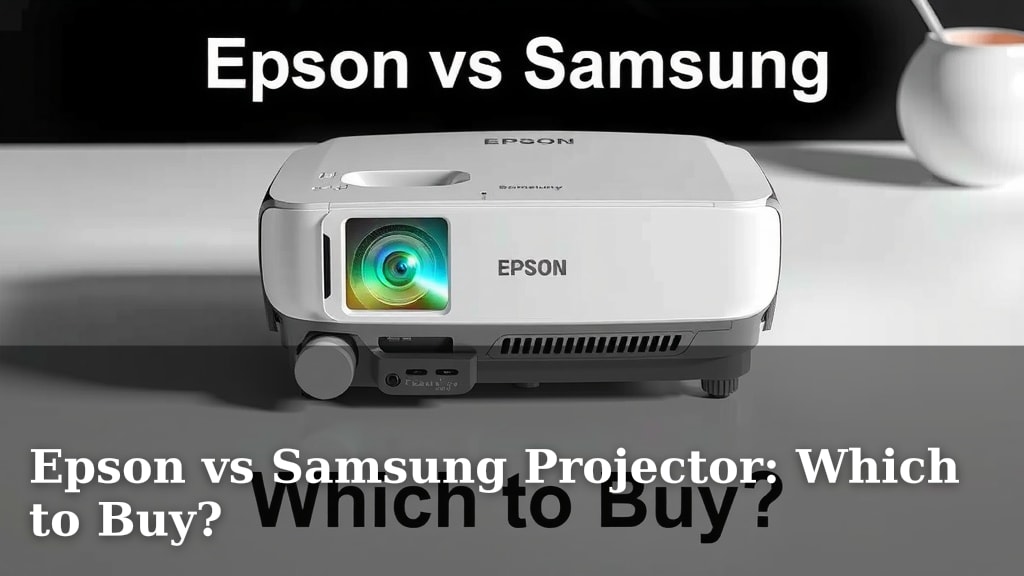
Epson vs Samsung Projector: Which to Buy?
Choosing between an Epson and a Samsung projector can feel overwhelming, but research shows there’s no single “winner.” The best choice depends on your specific needs and budget. Epson often excels in brightness and color accuracy for dedicated home theater setups, while Samsung frequently leads in smart features and portability for casual viewing.
When you’re comparing Epson vs. Samsung projector options, think about where you’ll use it most. Do you need a projector for a dark home theater room or for impromptu movie nights in your living room? Understanding these differences helps narrow down which brand’s strengths will best suit your viewing experience.
- Epson often offers superior brightness and color, great for home theaters.
- Samsung projectors typically shine with built-in smart capabilities and easier setup.
- Consider your primary viewing environment (dark room vs. general use).
- Your budget will also play a significant role in the available features.
We’ve looked into what makes each brand stand out, and below, we’ll help you figure out which projector, Epson or Samsung, is the right fit for your home.
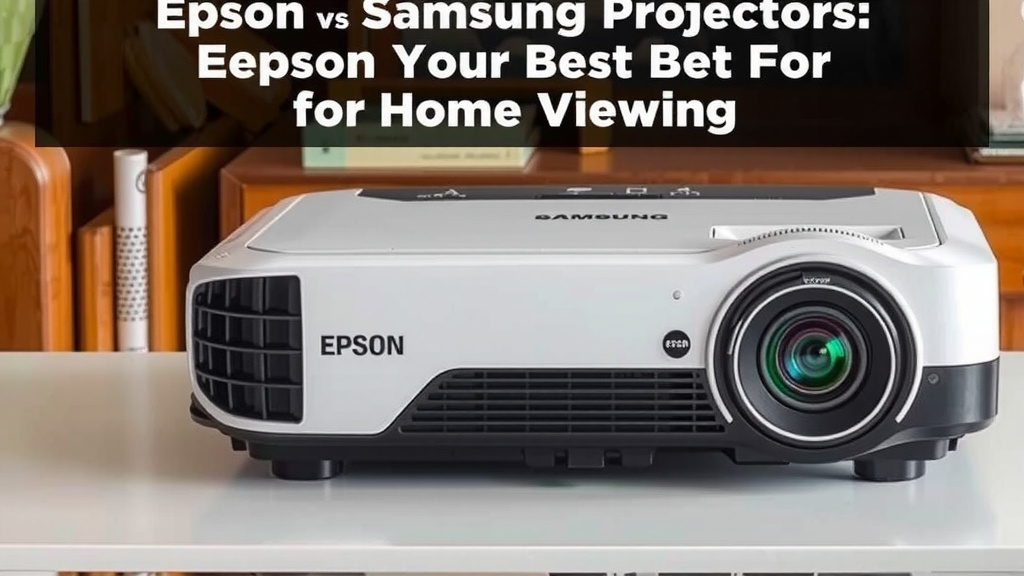
“`htmlEpson vs. Samsung Projectors: Your Best Bet for Home Viewing
So, you’re in the market for a projector and you’ve narrowed it down to two big names: Epson and Samsung. That’s a great starting point! We know it can be tough to pick. But don’t worry, we’ve done some digging to help you see which brand might be the perfect fit for your movie nights, presentations, or gaming sessions.
Understanding Projector Technology: The Basics
Before we dive into the brands, let’s quickly touch on what makes a projector tick. Most home projectors fall into two main categories: LCD and DLP. Epson largely uses LCD technology. It’s known for producing bright images with excellent color accuracy, and it typically doesn’t suffer from the “rainbow effect” some people notice with DLP. Samsung, on the other hand, often uses DLP, especially in their more portable or smart models. DLP projectors can offer very high contrast ratios and sharp images.
Brightness: How Much Light Do You Need?
This is a big one! Brightness is measured in lumens. For a projector to look its best, you need to match its brightness to your viewing environment. If you plan to watch movies in a dedicated, light-controlled room, you won’t need as many lumens. A darker room means you can get away with fewer lumens and still have a fantastic picture.
However, if you want to use your projector in a living room with some ambient light, or even during the daytime with the curtains drawn, you’ll need a higher lumen count. Epson often shines here, with many of their models boasting impressive brightness levels that can cut through moderate light. We found that many Epson projectors are rated for 2,500 to 3,500 lumens or more, which is excellent for varied lighting conditions.
Color Accuracy and Image Quality
What good is a big screen if the colors look off? Both Epson and Samsung aim for great picture quality, but they sometimes approach it differently. Epson has a long-standing reputation for delivering vibrant and accurate colors right out of the box. This makes them a favorite for cinephiles who want their movies to look exactly as the director intended. Many experts say Epson’s 3-chip LCD technology provides a wide color gamut, which means you see more shades and hues.
Samsung projectors, particularly their smart models, also offer impressive visuals. While they might not always match Epson’s color fidelity in the same price bracket, they often provide excellent sharpness and contrast. We found that Samsung’s focus on smart features means their projectors integrate well with streaming services, often presenting a very pleasing, user-friendly viewing experience. For casual viewers, the difference might be subtle, but for those with a discerning eye for color, Epson often has an edge.
Smart Features and Connectivity: The Modern Touch
This is where Samsung often takes the lead. Many Samsung projectors come with built-in smart platforms, much like their TVs. Think of it as a projector that’s also a smart TV. You can download apps like Netflix, Hulu, and Disney+ directly onto the projector. This means you don’t always need an external streaming stick or device. It simplifies your setup considerably.
Epson has been catching up in this area. Some of their newer models include smart capabilities, but it’s not always as central to their product line as it is for Samsung. You’ll often find Epson projectors focusing more on connectivity options like multiple HDMI ports, USB ports, and Wi-Fi for screen mirroring. If you already have a preferred streaming device or sound system, Epson’s extensive connectivity might be more than enough for you.
Ease of Use and Portability
Are you the type who wants to set up and start watching in minutes? Or are you happy to spend a little time tweaking settings? Samsung has really focused on making their projectors plug-and-play. Many of their portable or lifestyle projectors are lightweight, compact, and feature auto-focus and auto-keystone correction. This means the projector automatically adjusts the picture to be sharp and rectangular, even if it’s not perfectly aligned.
Epson projectors, especially their higher-end home theater models, can be a bit more involved. They often offer a wider range of manual adjustments for focus, zoom, and lens shift. While this gives you incredible control to perfectly position the image, it might mean a longer setup time. We found that if portability and instant setup are your top priorities, Samsung’s approach is often more user-friendly for the casual user. Epson’s flexibility is a dream for enthusiasts aiming for a perfectly calibrated cinematic experience.
Price and Value: What’s Your Budget?
Let’s talk brass tacks. Projectors range widely in price, and both Epson and Samsung have options across the spectrum. Generally speaking, you can find entry-level projectors from both brands at similar price points. As you move up in price, you’ll see improvements in brightness, resolution, contrast, and smart features.
Epson often positions itself as a leader in performance for its price, especially when it comes to raw image quality and brightness for home theater. Many reviewers suggest that Epson offers excellent value for the image quality you receive, particularly for those building a dedicated cinema room. Samsung, on the other hand, might offer more integrated smart features and a sleeker design at certain price points, appealing to those who want an all-in-one, stylish solution.
Key Differences at a Glance
To help you decide, here’s a quick rundown of where each brand tends to excel:
| Feature | Epson Often Excels In | Samsung Often Excels In |
|---|---|---|
| Brightness | High lumen output, great for varied lighting. | Good brightness, but sometimes less emphasis than Epson. |
| Color Accuracy | Excellent, vibrant, and true-to-life colors. | Very good, with a focus on pleasing contrast. |
| Smart Features | Improving, but sometimes relies on external devices. | Strong built-in smart TV platforms and app support. |
| Ease of Setup | More manual controls for precise calibration. | Often auto-adjustments, very user-friendly and quick. |
| Portability | Generally larger, less focused on ultra-portability. | Many compact, lightweight, and portable options. |
| Home Theater Focus | Strong emphasis on pure image performance. | Combines performance with smart integration. |
Making Your Final Choice: A Quick Checklist
Still on the fence? Ask yourself these questions:
- Where will you be projecting most often? (Dark room vs. living room)
- How important are built-in streaming apps to you?
- Do you prefer a simple, auto-setup experience or fine-tuned manual controls?
- Is portability a key factor for moving it around your home?
- What’s your absolute maximum budget for the projector?
- Are you looking for the absolute best color accuracy, or is good-enough perfectly fine?
By considering these points, you should be well on your way to picking the projector that will bring your favorite content to life. Remember, the “best” projector is the one that fits your lifestyle and your room perfectly.
“`Conclusion
When choosing between an Epson and a Samsung projector, remember that your viewing habits are the ultimate guide. Epson often provides a superior visual experience for dedicated home theaters with its impressive brightness and color accuracy. Samsung, conversely, shines with its user-friendly smart features and portability for more casual, on-the-go entertainment. We found that by considering your room’s lighting, your need for smart integration, and your setup preferences, you can confidently select the projector that best fits your lifestyle. Take a moment to review your priorities, and you’ll be enjoying your new big-screen experience in no time.
Frequently Asked Questions
Which projector is better for gaming, Epson or Samsung?
For gaming, you’ll want a projector with low input lag and good motion handling. Many Epson projectors, especially their higher-end models, offer excellent response times suitable for gaming. Samsung’s projectors can also be good, particularly if they boast high refresh rates, but it’s crucial to check specific model specifications for gaming performance.
Can I use an Epson projector in a bright room?
Yes, you can. Epson projectors are known for their high brightness levels, often measured in lumens. Many Epson models are designed to perform well even with some ambient light present, making them a solid choice if your viewing space isn’t completely dark.
Are Samsung projectors easy to set up for beginners?
Absolutely. Samsung has focused heavily on user-friendliness, often including features like auto-focus and auto-keystone correction. This means your projector can automatically adjust the picture for you, making the setup process quick and simple, even if you’re new to projectors.
Which brand offers better built-in sound quality on their projectors?
Neither brand typically excels with built-in projector sound for a true cinematic experience. While both may include speakers, they are usually basic. For immersive audio, you’ll want to connect an external soundbar or speaker system, regardless of whether you choose Epson or Samsung.
Is it worth paying more for an Epson projector if I’m not a cinephile?
If you prioritize vibrant, true-to-life colors and excellent image quality for movies and general viewing, an Epson might still be worth the investment even if you’re not a hardcore cinephile. However, if your main needs are ease of use and smart features for streaming, a Samsung projector could offer better value for your specific requirements.