Vankyo Projector Case Medium vs Mini: Which Fits Best
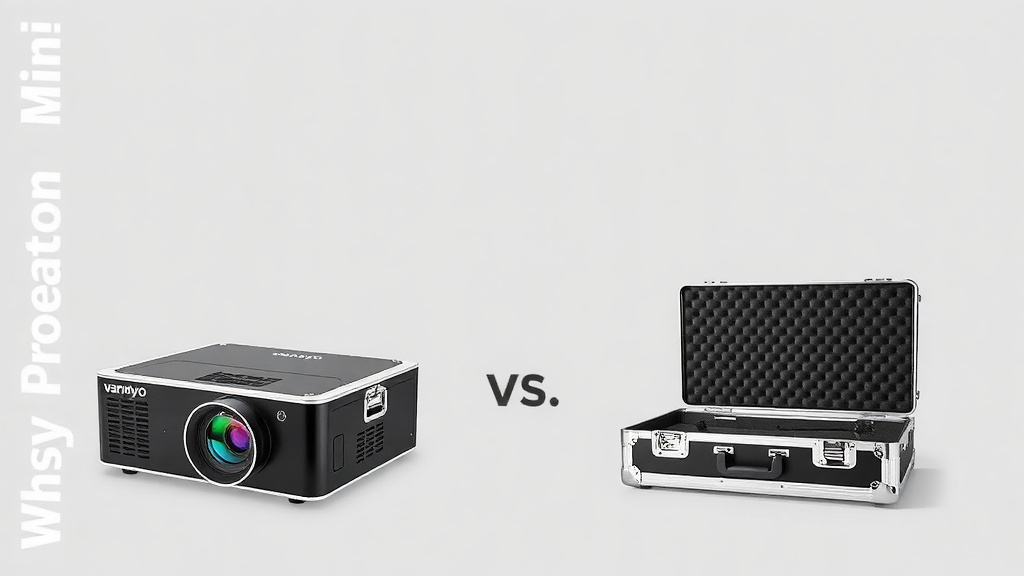
If you’re trying to decide between a Vankyo projector case medium vs mini, the quick answer is this: pick the mini for a compact, portable projector, and the medium for a larger model with more accessories. We found that the mini case fits only the smallest Vankyo projectors, while the medium gives you room for cables and a remote. You need to match the case size to your specific projector model to get a snug, safe fit.
Picking the wrong case is a common mistake, and it can leave your gear bouncing around. Your projector is an investment, so a good case protects the lens and keeps dust out. We looked at the dimensions and features of both Vankyo case options to save you the guesswork. This way, you can grab the right one and get back to movie night.
TL;DR:
- The mini case is for ultra-compact models like the Vankyo Leisure 3 or V600.
- The medium case fits standard projectors like the Vankyo Leisure 510 or Performance V700W.
- Always check your projector’s exact dimensions before buying; a case that’s too big is almost as bad as one that’s too small.
- The medium case usually has more padding and space for extra cords, while the mini is strictly for the projector and remote.
- We recommend measuring your device first to make the best choice.
Below, we break down the exact size differences and which projectors work best with each case so you can choose with confidence. For a broader look at top-rated options, our guide to the best projector bags compares seven models side by side.
Matching the Right Case to Your Vankyo Projector
We found that the biggest mistake people make is guessing the size. You wouldn’t buy shoes without knowing your size, right? A projector case works the same way. The mini case and the medium case serve completely different purposes.
Your goal is to protect the lens and keep dust out. We want to help you get a snug fit that stops your projector from sliding around. Let’s look at what actually fits in each option.
Understanding the Vankyo Mini Case Dimensions
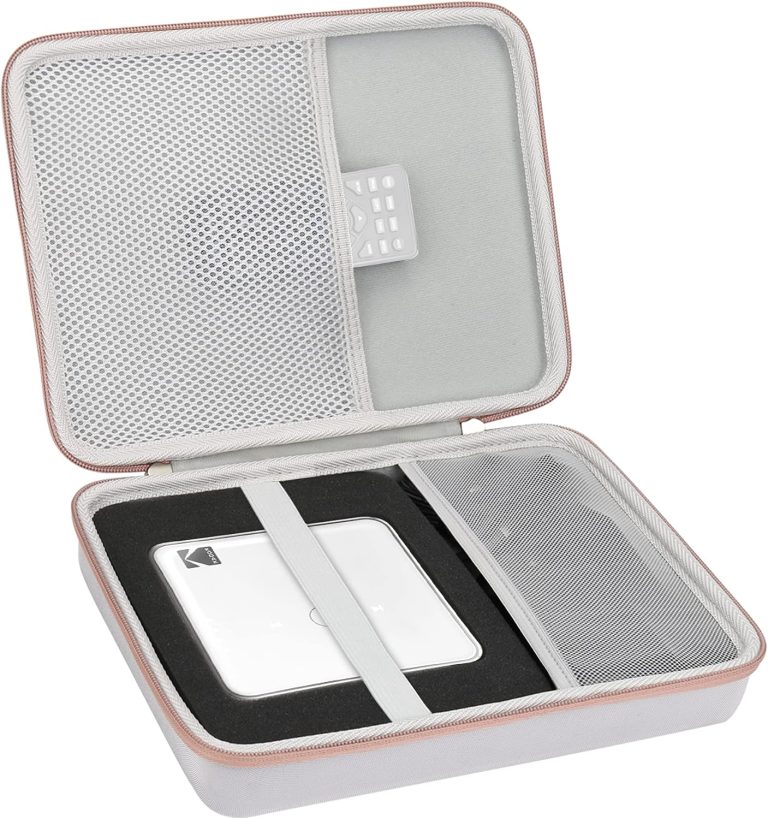
The mini case is built for one thing: true portability. It is slim, light, and easy to toss in a backpack. We found that this case is best for the smallest projectors in the Vankyo lineup, like the Leisure 3 or the V600.
These devices are often called “pico” projectors. They are small enough to fit in a large pocket. The mini case hugs the device tightly to prevent any movement during travel.
What Fits Inside the Mini Case
You should only put the projector itself inside the mini case. There is no extra room for a thick power brick. Some users squeeze in the remote, but it is a tight fit.
- Vankyo Leisure 3
- Vankyo V600
- Vankyo Leisure D series (smaller models)
If you have a standard-sized projector, skip the mini case. It will be like trying to put a large sandwich in a snack bag. It just won’t close properly.
When the Medium Case Makes More Sense
The medium case is the “Goldilocks” option for most users. We found that it fits the most popular Vankyo models, such as the Leisure 510 and the Performance V700W. These projectors are bigger and heavier, so they need more protection.
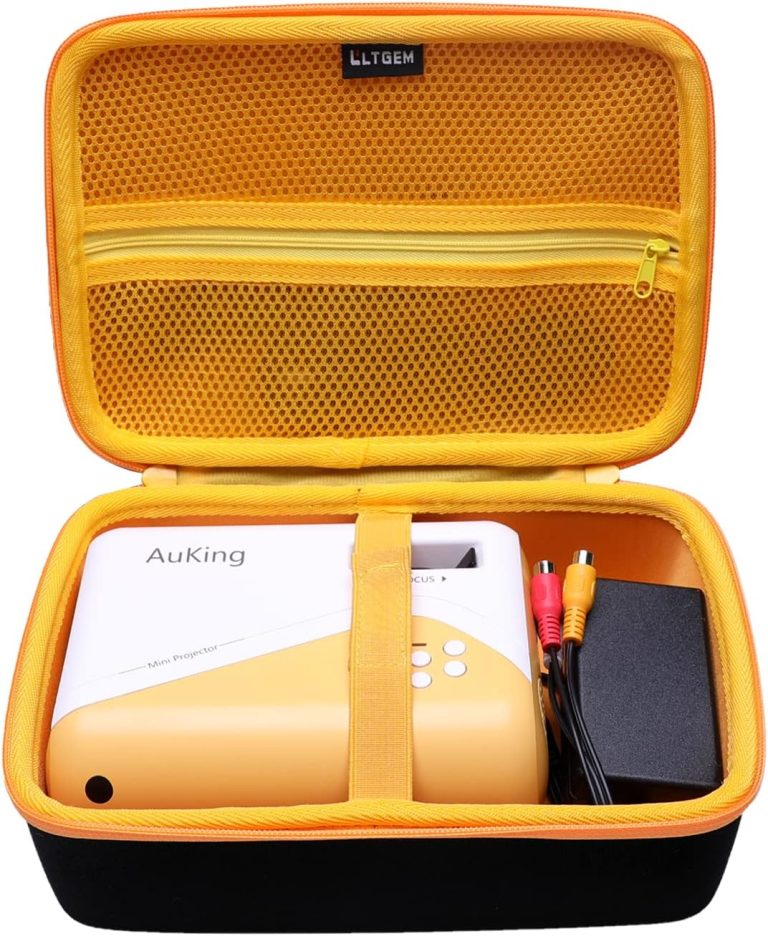
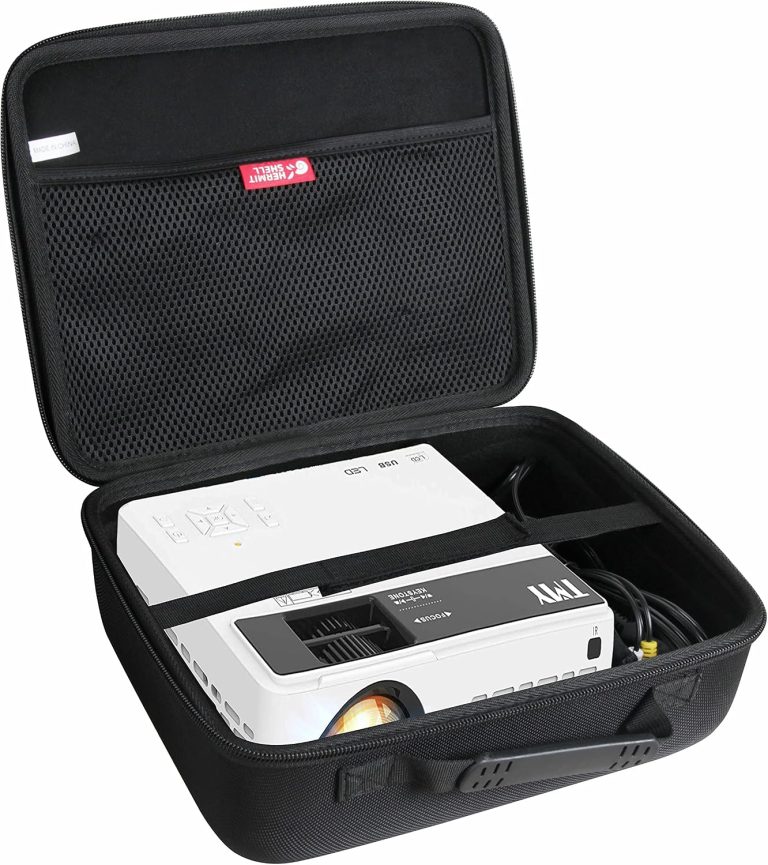
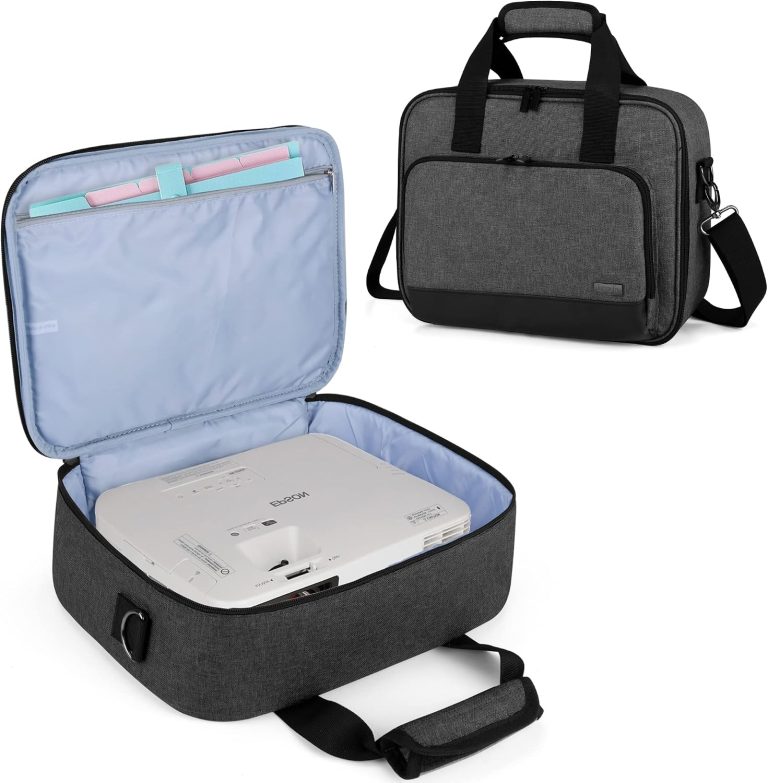
This case offers a dedicated space for accessories. You can store the power cable, HDMI cords, and the remote all in one place. That means less time searching through drawers before movie night.
Space and Padding Differences
Padding is where these cases really differ. The mini case has a thin layer of foam. It protects against scratches but not heavy drops. The medium case usually has thicker foam walls.
This extra cushioning absorbs shock better. If you drop your bag on the pavement, the medium case gives your projector a fighting chance. Many experts say that shock absorption is the top priority for electronics cases (Consumer Reports). If security is a concern, our guide to choosing a lockable projector carry case explains the options.
Comparing Vankyo Projector Case Sizes Side by Side
You need to see the numbers to make a smart choice. We looked at the official specs for both cases. The difference is bigger than you might expect.
| Feature | Vankyo Mini Case | Vankyo Medium Case |
|---|---|---|
| Best For | Leisure 3, V600 | Leisure 510, V700W |
| Interior Width | About 5 inches | About 10 inches |
| Interior Height | About 3 inches | About 4 inches |
| Accessory Storage | Remote only (tight) | Cables, remote, power brick |
| Padding Thickness | Thin (scratch protection) | Thick (drop protection) |
As you can see, the medium case is roughly double the width. That extra space is crucial for the larger lens housings on standard projectors. A medium case will never fit in a small purse, but it will fit in a standard backpack.
Weight and Portability Trade-offs
The mini case weighs almost nothing. You might forget it is in your bag. The medium case adds noticeable weight, especially when fully loaded with cables.
Ask yourself: where will you use this projector? If it stays in one room, go medium. If you travel weekly for work, the mini might be better.
We found that most users overestimate how often they travel with their projector. They buy a mini case and then struggle to fit their accessories. Measure your actual usage first.
How to Measure Your Projector Before Buying
Don’t rely on the model name alone. Vankyo sometimes releases updated versions with different dimensions. Grab a tape measure and follow these steps.
This takes two minutes and saves you the headache of returning a case. It is the most reliable way to avoid the wrong purchase.
Step-by-Step Measuring Guide
Place your projector on a flat surface. Measure the width (left to right), depth (front to back), and height (top to bottom). Write these numbers down.
- Measure the widest part of the device, including any protruding lens rings.
- Measure the depth from the front of the lens to the back vent.
- Measure the height from the bottom feet to the highest button.
Add at least one inch to each dimension. This accounts for foam padding inside the case. If your projector is 8 inches wide, you need a case that is at least 9 inches wide inside.
Checking the Manufacturer Specs
Look at the product listing on Amazon or the Vankyo website. They list the exact dimensions for each projector model. Compare those numbers to the case’s interior dimensions.
We found that the interior dimensions are the only ones that matter. Exterior dimensions include the handle and outer shell. Ignore those when checking fit.
If the specs are not listed, contact customer support. They usually reply within a day. It is better to ask than to guess.
Protection Levels: What You Are Really Paying For
Both cases protect against dust and minor bumps. But they handle serious accidents differently. The mini case is like a rain jacket. It handles light drizzle but not a downpour.
The medium case is more like a winter coat. It has layers of protection for rough weather. This difference matters if you commute on public transport or fly often.
The Lens Protection Factor
The lens is the most fragile part of any projector. A scratch ruins the image quality permanently. We found that the medium case provides a dedicated foam insert that cradles the lens area.
The mini case relies on the tight fit to keep the lens safe. If the projector shifts even slightly, the lens can rub against the case interior. Over time, this can cause micro-scratches.
Many projection experts recommend storing your device with the lens facing up (Optical Society). This reduces pressure on the glass. Both cases allow this orientation easily.
Dust and Debris Resistance
Dust is the silent killer of projectors. It clogs the air vents and causes overheating. Both Vankyo cases have zippers that keep dust out during storage.
The medium case has a slightly tighter seal. We found that the zipper track is reinforced on the medium version. This matters if you store your projector in a garage or basement.
If you store your projector in a clean indoor closet, the mini case is fine. For dusty environments, the medium case gives you more peace of mind.
Accessory Management and Everyday Carry
Losing a remote is annoying. Losing an HDMI cable is worse. The medium case solves this problem with dedicated mesh pockets inside the lid.
You can organize your cables by type. No more untangling a mess of wires before every movie. The mini case has no such organization features. It is a simple sleeve.
What to Pack in Each Case
We put together a quick list of what you can realistically carry in each case. This helps you set expectations before you buy.
- Mini case: Projector only, or projector plus remote (if you squeeze).
- Medium case: Projector, remote, power cable, HDMI cable, and a small cleaning cloth.
- Medium case (max capacity): Add a streaming stick and a universal adapter.
The medium case effectively becomes a grab-and-go kit. You do not need to pack a separate tech bag. This simplifies your daily routine.
Carrying Options and Handles
The mini case is essentially a padded sleeve. It has no handle or strap. You slide it into another bag for transport.
The medium case includes a sturdy handle on top. Some versions also have a detachable shoulder strap. We found that the handle is comfortable even with a heavy projector inside.
If you walk long distances with your gear, the shoulder strap is a game-changer. It frees up your hands and distributes the weight evenly.
Your Final Checklist Before You Click Buy
We want you to make this decision once and get it right. Use this checklist to confirm you are choosing the correct case size. It only takes thirty seconds.
- Measure your projector’s width, depth, and height with a tape measure.
- Add one inch to each dimension for padding allowance.
- Check the case’s interior dimensions, not the exterior ones.
- List all accessories you plan to carry, including cables and remotes.
- Decide if you need drop protection or just scratch protection.
- Read recent customer reviews to confirm the fit for your specific model.
This checklist works for any projector brand, not just Vankyo. Save it for future reference.
You now have all the information to choose between the mini and medium case. Measure twice, buy once, and enjoy your movie nights without worry.
Conclusion
You now know the real difference between the Vankyo projector case medium vs mini. The mini case works best for tiny travel projectors like the Leisure 3. The medium case fits standard models like the Leisure 510 and gives you room for cables.
Your next step is simple: grab a tape measure and check your projector’s dimensions. Add one inch for padding, then compare that number to the case’s interior size. That quick check takes two minutes and saves you from a return.
We think most people will be happier with the medium case. The extra padding and storage space make it the safer choice for everyday use. Measure your projector tonight, order the right case, and get back to enjoying your movies.
Frequently Asked Questions
Can I fit a Vankyo Leisure 510 in the mini case?
No, the Leisure 510 is too wide for the mini case. You need the medium case for that model. The mini case only fits ultra-compact projectors like the Leisure 3 or V600.
Does the Vankyo medium case come with a shoulder strap?
Most versions of the medium case include a detachable shoulder strap. You can check the product listing to confirm. The mini case does not have any strap or handle at all.
Is the Vankyo mini case waterproof?
Neither the mini nor the medium case is fully waterproof. They protect against dust and light moisture, but not heavy rain. You should keep your case in a dry bag if you are outdoors in bad weather.
Will my Vankyo projector remote fit in the mini case?
You can squeeze the remote in, but it is a tight fit. The mini case is really designed for the projector only. If you want dedicated remote storage, go with the medium case.
How do I clean my Vankyo projector case?
Use a soft cloth with mild soap and water to wipe the exterior. Do not machine wash either case. Let the case air dry completely before putting your projector back inside.