How Big of a Projector Screen Do I Need?
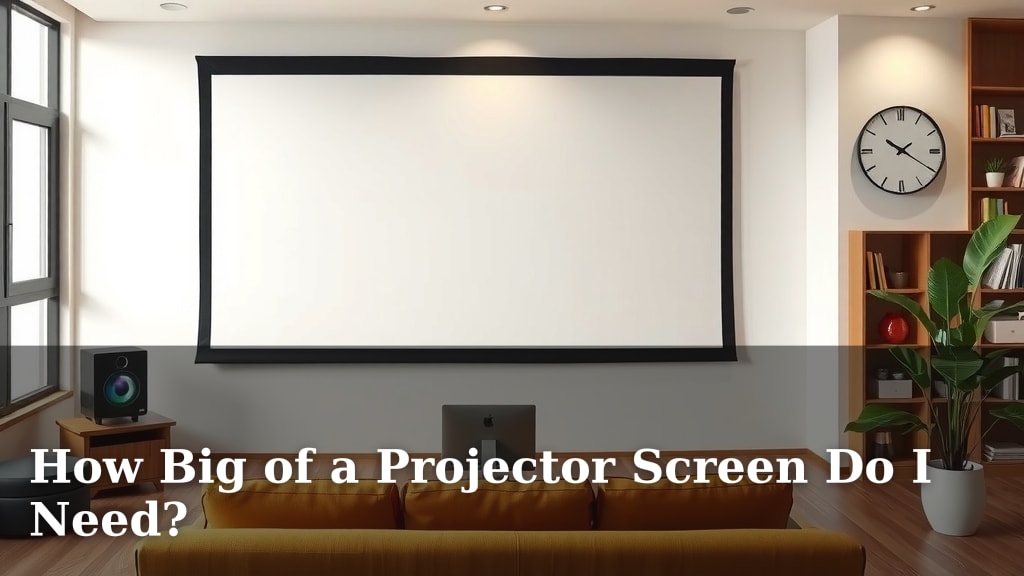
To figure out how big of a projector screen you need, you’ll want to consider your room size and the distance from your seating to the screen. A good starting point is a screen that fills about 40% of the wall space in front of you. Too big can be overwhelming; too small feels like watching TV. We found that matching your screen size to your viewing distance is key for an immersive experience.
Choosing the right projector screen size is more art than science. It’s not just about getting the biggest screen possible. You have to think about the projector’s capabilities and how your room is set up. We researched common recommendations and found that balancing screen diagonal with projector lumens and throw distance offers the best results. Don’t forget to consider your budget, too!
- Screen size depends on your room.
- Viewing distance is a big factor.
- Don’t go too big or too small.
- Match screen size to your projector.
- Your budget matters too!
Let’s walk through exactly how to determine the perfect projector screen size for your home theater setup.
Choosing Your Perfect Projector Screen Dimensions
Figuring out the right projector screen size is a fun puzzle. It’s all about creating that awesome home theater feel. We want a screen that pulls you in, not one that feels too small or too big for your space. Think of it like finding the perfect seat at a movie theater – you want to see everything without straining your eyes.
Understanding Viewing Distance and Screen Size
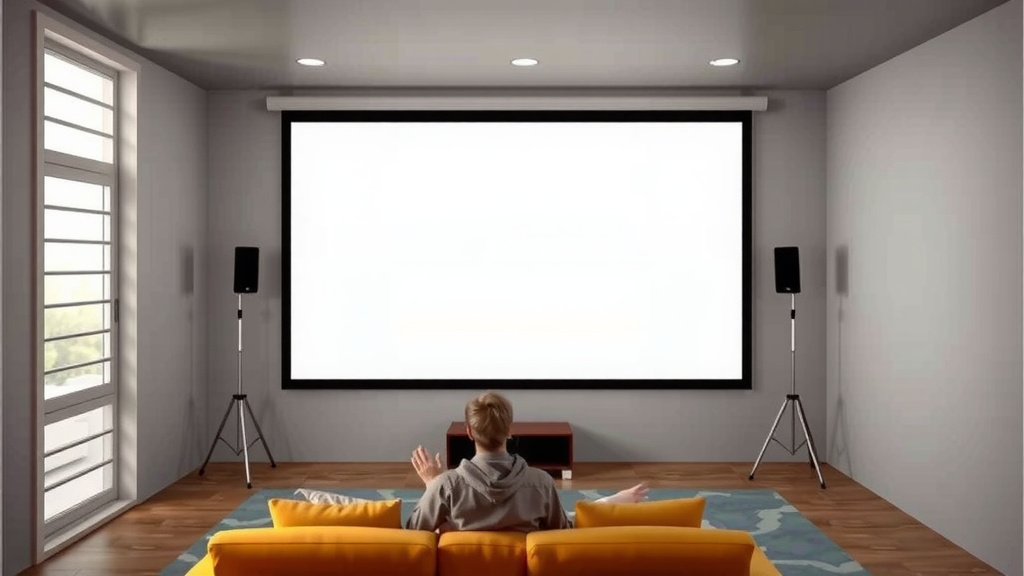
The most important factor is how far away you’ll be sitting from the screen. This distance helps determine the ideal screen size. If you sit too close to a huge screen, you’ll be moving your head constantly. Sit too far from a small screen, and you might miss the details. We found that most experts recommend a viewing distance that’s about 1.5 to 2.5 times the screen’s diagonal measurement.
So, if you have a screen that’s 100 inches diagonally, your ideal viewing distance would be between 150 and 250 inches. That’s about 12.5 to 20.8 feet. This range helps you get that cinematic feel without feeling overwhelmed by the picture.
Room Size: The Foundation of Your Screen Choice
Your room’s dimensions play a big role, too. You don’t want a screen that’s so wide it makes your room feel cramped. Measure the wall where the screen will go. Make sure you leave enough space around the screen for seating, speakers, and walkways.
Many home theater enthusiasts suggest that the screen shouldn’t take up more than 40% of the wall space. This leaves room for other elements and makes the room feel balanced. A screen that dominates the entire wall can feel a bit much, almost like a stage!
Calculating Screen Size Based on Distance
Let’s get a little more specific with calculations. You can use simple formulas to get a good idea. For a 16:9 aspect ratio screen (which is standard for most movies and TV shows), you can use this rule of thumb:
- Small Screen Experience: Multiply your desired screen diagonal by 1.2. This gives you the minimum viewing distance.
- Medium Screen Experience: Multiply your desired screen diagonal by 1.5. This is a popular sweet spot.
- Large Screen Experience: Multiply your desired screen diagonal by 2.5. This is for a truly immersive, theater-like feel.
Alternatively, if you know your viewing distance, you can work backward. Divide your viewing distance by 1.5 for a good medium-sized screen. Divide by 2.5 for a larger screen.
Projector Throw Distance: A Crucial Connection
Don’t forget about your projector itself! The “throw distance” is how far the projector needs to be from the screen to create a specific image size. This is super important because you can’t just put any screen size with any projector.
Projectors have different throw ratios. A short-throw projector can create a large image from a short distance. A long-throw projector needs more space. You’ll need to check your projector’s specifications. They usually list a range of throw distances for different screen sizes.
Matching Your Projector’s Capabilities
When you’re looking at screen sizes, always check if your projector can actually fill that screen properly. If your projector manual says it can create a 120-inch image from 10 feet away, and your room supports that distance, then a 120-inch screen is a great option.
We found that some projectors have zoom lenses, which give you flexibility. This means you can adjust the image size without moving the projector much. This is really helpful if your room layout is a bit tricky.
Practical Tips for Selecting Your Screen
Consider Your Content
What will you be watching most? For action movies or sports, a larger screen can really enhance the experience. If you mostly watch documentaries or news, a slightly smaller screen might be perfectly fine. Think about immersion.
For gaming, screen size is often a big deal. Gamers usually want a screen that feels expansive. This helps them react faster and feel more involved in the game. We found that many gamers prefer a screen size that fills their field of vision.
Don’t Forget the Screen Material and Gain
The material of your projector screen affects how bright the image appears. This is called “gain.” A higher gain screen will make the image brighter, but it can also narrow the viewing angle. A lower gain screen offers wider viewing angles.
Your room lighting also plays a role here. If you have a dedicated dark home theater, you can use almost any screen material. If your room has some ambient light, you might need a screen with a higher gain or a specialized ambient light-rejecting screen.
A Quick Checklist for Your Screen Size Decision
Here’s a handy checklist to help you nail down the perfect size:
- Measure your viewing distance.
- Measure the wall space available.
- Check your projector’s throw distance.
- Consider what you’ll watch most.
- Think about room lighting.
- Factor in your budget.
When Bigger Isn’t Always Better
It might be tempting to get the largest screen possible. However, if it’s too large for your room or viewing distance, it can actually ruin the experience. Eye strain is a real thing. You might find yourself feeling fatigued after just a short time.
We found that a screen that’s too big can also make dialogue hard to follow. The image can look pixelated if your projector isn’t high enough resolution for the size. It’s all about finding that **sweet spot** for your setup.
| Screen Diagonal | Ideal Viewing Distance (16:9) | Maximum Viewing Distance (16:9) |
|---|---|---|
| 80 inches | 10 – 16.7 feet | 20 feet |
| 100 inches | 12.5 – 20.8 feet | 25 feet |
| 120 inches | 15 – 25 feet | 30 feet |
| 150 inches | 18.8 – 31.3 feet | 37.5 feet |
Note: These are general guidelines. Your personal preference may vary.
Conclusion
Finding the perfect projector screen size is all about balance. You want an immersive cinematic experience, but not one that strains your eyes or overpowers your room. We’ve seen that considering your viewing distance and room dimensions are your most important starting points. Don’t forget to factor in your projector’s capabilities and what you’ll be watching. By following these guidelines, you can avoid common pitfalls like a screen that’s too big or too small. Your next step is to measure your space and compare it with your projector’s specs to select the ideal screen for your home theater setup.
Frequently Asked Questions
What’s the best way to measure my viewing distance?
Simply measure the distance from where your main seating will be to where the projector screen will hang. Make sure you account for seating arrangements and potential obstructions. This measurement is key for calculating the ideal screen size for comfort and immersion.
Can I use a projector screen that’s too big for my room?
While a larger screen might seem appealing, one that’s too big can cause eye strain and pixelation if your projector’s resolution isn’t high enough. We found that a screen that fills about 40% of the wall space often strikes a good balance. It’s about finding that sweet spot for your specific setup.
Does the projector’s throw distance really matter for screen size?
Yes, the throw distance is essential. It tells you how far your projector needs to be from the screen to achieve a specific image size. You need to ensure your projector can comfortably fill your chosen screen size from your room’s layout.
What if my room has a lot of ambient light?
Ambient light can wash out your image, so consider your room’s lighting. For brighter rooms, you might need a screen with a higher gain or a specialized ambient light-rejecting screen. This helps maintain image contrast and vibrancy.
How do I know if a 16:9 aspect ratio is right for me?
A 16:9 aspect ratio is standard for most modern TVs and movies, making it the go-to choice for a natural viewing experience. If you plan to watch a lot of mainstream content like Blu-rays, streaming services, or console games, 16:9 is likely your best bet.