How Big Should a Projector Screen Be? Guide
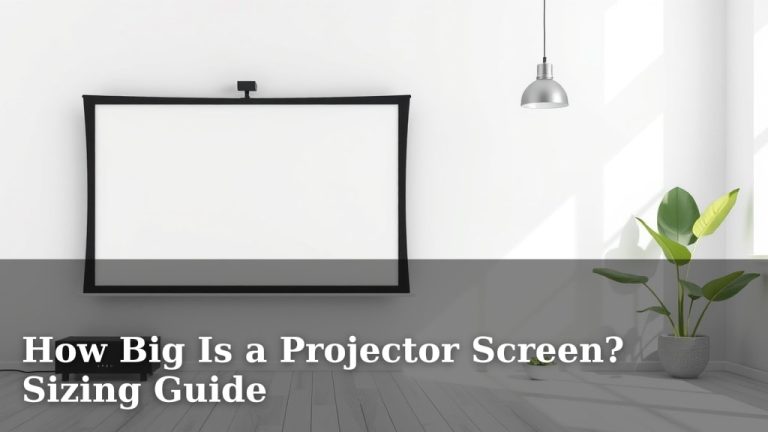
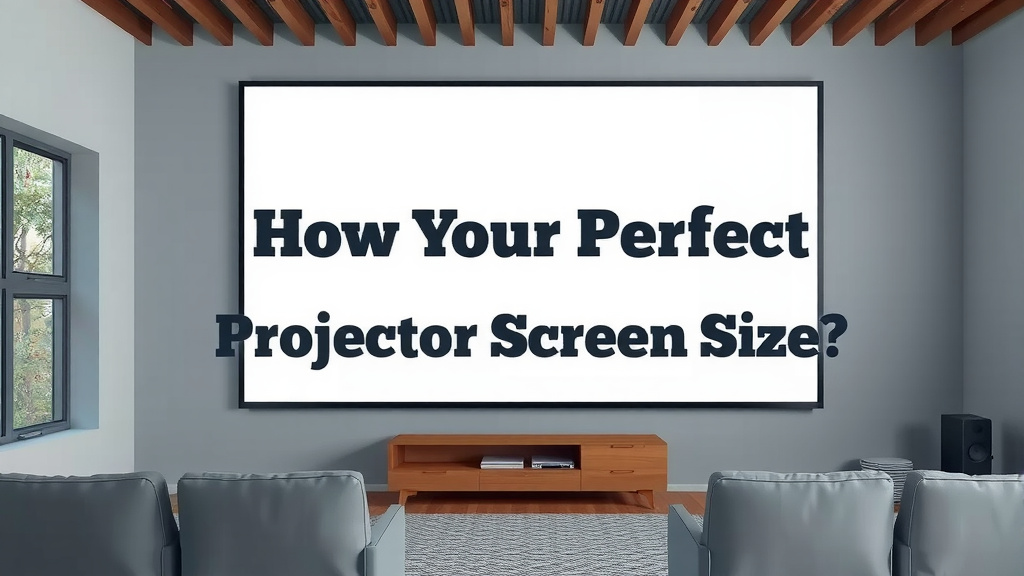
The ideal projector screen size depends on your room and viewing distance. Generally, a 100-inch diagonal screen is a great starting point for most home theaters. This offers an immersive experience without being overwhelming for average room sizes. Finding the right balance ensures your projector shines.
You might be wondering how to measure for a projector screen. The most important factor is your seating distance. We found that a common recommendation is to have your screen’s diagonal size be about 1.2 to 1.6 times your viewing distance. This creates a cinema-like feel. It’s not just about size; it’s about smart sizing.
- Screen size depends on room size and viewing distance.
- 100-inch diagonal is a good standard size for many homes.
- Viewing distance is key for immersion.
- Aim for a screen 1.2-1.6x your seating distance.
Let’s walk through exactly how to figure out the perfect projector screen size for your space.
Finding Your Perfect Projector Screen Size
So, you’re ready to bring the big screen experience home! That’s fantastic. But before you buy, let’s talk about how to pick the right screen size. It’s not a one-size-fits-all situation. The best size for your home theater depends on a couple of key things.
Viewing Distance: The Most Important Factor
Think about where you and your guests will be sitting. This is your viewing distance. It’s the most critical element in choosing a screen. Too small, and you’ll feel like you’re watching TV. Too big, and you might strain your eyes or feel overwhelmed.
Measuring Your Viewing Distance
Grab a tape measure! Stand where your main couch or seating area will be. Measure the distance from that spot to where the center of the screen will hang or sit. This number is your golden ticket.
The 1.2x to 1.6x Rule
Many experts recommend that your screen’s diagonal size should be between 1.2 to 1.6 times your viewing distance. So, if you measure 10 feet from your couch to the screen, a screen between 12 feet and 16 feet diagonally would be ideal. This is a great starting point for that immersive, cinematic feel without making you feel like you’re in an IMAX theater.
We found that this range offers a really comfortable viewing experience. It allows you to take in the whole screen without excessive head movement. It’s the sweet spot many movie lovers aim for.
Room Size and Wall Space
Once you know your ideal size based on seating, you need to check if it fits your room. Your room dimensions play a big role here. You don’t want a screen that’s too large for the space, making it feel cramped. Conversely, a screen that’s too small can feel lost in a large room.
Consider Your Wall
Look at the wall where your screen will go. Measure its width and height. Make sure there’s enough space not just for the screen itself, but also for any borders or frames around it. You also need room for your projector’s throw distance, which is how far back the projector needs to be to create a specific image size.
Impact on Room Acoustics
A very large screen can sometimes affect your room’s acoustics. Sound can bounce off a large, flat surface differently. For most home setups, this isn’t a major concern. But if you have a dedicated home theater room, you might want to consider sound-absorbing materials. Many guidelines for acoustics suggest not having a screen dominate the entire wall surface.
Screen Aspect Ratio Matters Too
Have you noticed how some movies fill the whole screen, while others have black bars at the top and bottom? That’s because of the aspect ratio. The most common ratios are 16:9 (for TV shows and most movies) and 2.35:1 or 2.40:1 (for widescreen cinematic films).
What is Aspect Ratio?
Aspect ratio describes the relationship between the width and height of an image. Think of it like the shape of a rectangle. A 16:9 screen is wider than it is tall, like a standard TV. A 2.35:1 screen is much wider, giving you that ultra-wide cinematic look.
Choosing the Right Ratio for You
If you watch a lot of sports, TV shows, and most Netflix content, a 16:9 screen is probably your best bet. It will fill the screen for most content. If you’re a serious cinephile who loves those big, epic movie formats, you might consider a 2.35:1 or 2.40:1 screen. You can also get anamorphic screens that can handle both ratios, but they are often more expensive.
A Quick Checklist for Your Screen Size Decision
Let’s quickly recap the most important points to consider. Keep these in mind as you measure and plan:
- Measure Your Viewing Distance: How far will you sit from the screen?
- Calculate Your Ideal Size: Use the 1.2x to 1.6x rule as a guide.
- Check Your Wall Space: Will the screen physically fit on your wall?
- Consider Room Size: Does the screen feel balanced in the room?
- Think About Content: What do you watch most often (movies, TV, sports)?
- Factor in Aspect Ratio: 16:9 is standard; wider formats are for cinema lovers.
Putting It All Together with an Example
Let’s say you’ve measured your seating distance and it’s 11 feet (132 inches). Using the 1.2x to 1.6x rule:
- 132 inches x 1.2 = 158.4 inches
- 132 inches x 1.6 = 211.2 inches
So, a screen somewhere between 158 and 211 inches diagonally would be your target range. Now, you’d look at your wall and see if a 160-inch or 180-inch screen would fit comfortably. You might find that a 150-inch 16:9 screen is the perfect compromise for your space and viewing habits.
| Viewing Distance | Recommended Diagonal Screen Size (16:9 Aspect Ratio) |
|---|---|
| 6 feet (72 inches) | 7 to 9.5 feet (86 to 115 inches) |
| 8 feet (96 inches) | 9.5 to 13 feet (115 to 155 inches) |
| 10 feet (120 inches) | 12 to 16 feet (144 to 192 inches) |
| 12 feet (144 inches) | 14.5 to 19 feet (173 to 230 inches) |
Remember, these are guidelines based on research and common recommendations (THX, SMPTE). Your personal preference is key! Don’t be afraid to go a little bigger or smaller based on what feels right for your eyes and your room. The goal is an enjoyable, comfortable experience every time you press play.
Conclusion
Choosing the right projector screen size is all about balancing your viewing distance with your room’s dimensions. We’ve found that using the 1.2 to 1.6 times viewing distance rule gives you a great starting point. Remember to consider your wall space and what you watch most often to find the perfect aspect ratio. Don’t get overwhelmed by the numbers; it’s about creating a comfortable and immersive viewing experience that you’ll love. Now, grab your tape measure and find that ideal screen size for your home theater!
Frequently Asked Questions
What if my room is small? Can I still get a big screen?
Even in a smaller room, you can still achieve a great viewing experience. Focus on your optimal viewing distance, which might be closer. You may need to select a slightly smaller screen size than the upper end of the recommended range to avoid feeling overwhelmed. It’s about finding the best fit for your specific space.
Is a 100-inch screen always the best choice for most people?
A 100-inch screen is a fantastic starting point and works well for many average living rooms and viewing distances. However, it’s not a universal best for everyone. Your personal seating distance and room layout are more important factors in determining the perfect size for your setup.
Do I need to worry about my projector’s throw distance when choosing a screen size?
Yes, you absolutely do. Your projector’s throw distance dictates how far back it needs to be to project a specific screen size. You need to ensure that your room layout and available space allow your projector to achieve the desired screen dimensions from your chosen viewing distance.
What’s the difference between 16:9 and 2.35:1 aspect ratios for screens?
A 16:9 aspect ratio is wider than it is tall, similar to a standard TV and ideal for most TV shows, sports, and many movies. A 2.35:1 (or 2.40:1) aspect ratio is much wider, creating a true cinematic feel for widescreen movies. Choosing depends on the type of content you watch most frequently.
Can I just use a white wall instead of a projector screen?
While you can project onto a white wall, a dedicated projector screen offers superior performance. Screens are designed with specific materials to optimize light reflection, contrast, and color accuracy, providing a much sharper and more vibrant image than a typical wall surface.