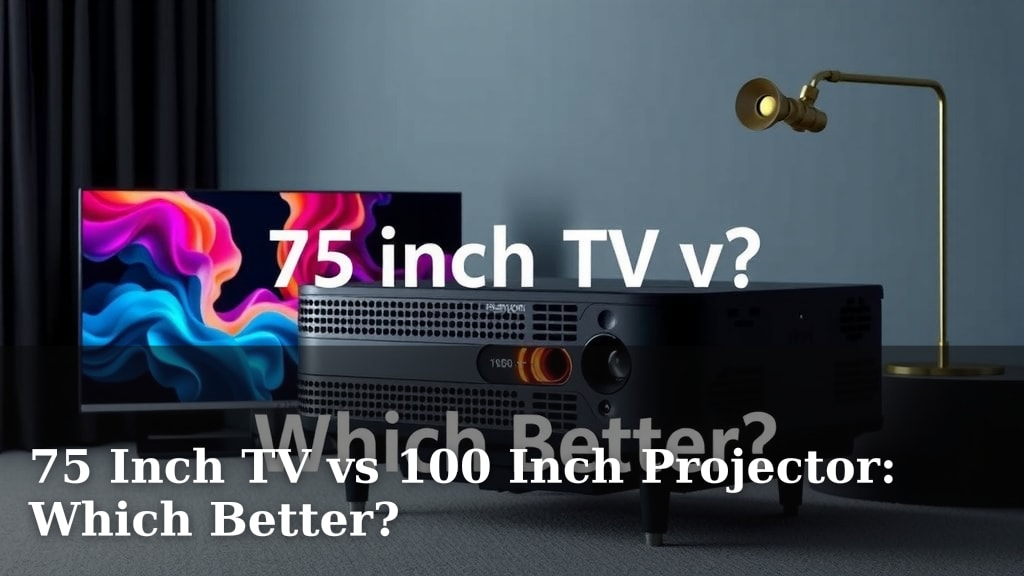
75 Inch TV vs 100 Inch Projector: Which Better?
Choosing between a 75-inch TV and a 100-inch projector depends on your viewing habits and room setup. For most people, a 75-inch TV offers a more convenient and brighter viewing experience in a typical living room. A 100-inch projector, while offering a larger screen, often requires a darker room and more setup effort.
When considering a big-screen experience, the choice isn’t always straightforward. We found that the best option for your home hinges on factors like room lighting, available space, and how you plan to use the display. Thinking about movie nights versus daytime sports viewing can make a big difference.
TL;DR:
- A 75-inch TV is generally better for convenience and bright rooms.
- A 100-inch projector offers a larger screen but needs a dark room.
- Consider your room’s lighting and available space first.
- TVs are easier to set up and use daily.
- Projectors are great for a true cinema feel if you can control light.
Let’s dive into the specifics to help you decide which giant screen king reigns supreme in your home.
Giant Screen Showdown: 75-Inch TV Versus a 100-Inch Projector Experience
So, you’re dreaming of a big-screen experience right in your own home. That’s fantastic! You’ve narrowed it down to two titans: a massive 75-inch TV or a colossal 100-inch projector. Both can transform your living room into a personal cinema, but they do it in very different ways. Let’s break down which giant might be the perfect fit for your life and your living space.
Understanding the Core Differences
At their heart, a TV and a projector serve the same purpose: displaying an image. But their technology and how they achieve that display are worlds apart. Think of it like comparing a spotlight to a movie theater screen. One is designed to be seen directly, the other is designed to fill a room with light.
How They Create the Picture
A 75-inch TV uses built-in pixels. Each tiny dot on the screen lights up to create the image you see. This technology allows for very bright and vivid pictures, even in a well-lit room. It’s like having a self-contained light source for your entertainment.
A 100-inch projector, on the other hand, works by casting an image onto a separate surface – usually a screen. It uses a lamp or laser to project light through lenses. This method can create truly enormous images, but it relies heavily on controlling the ambient light in the room. Without darkness, the projected image can look washed out and dull.
The Brightness Factor
Brightness is a key differentiator. TVs are typically much brighter than projectors. A 75-inch TV can easily overcome daylight or room lights. We found that most modern TVs are rated in “nits,” and higher numbers mean a brighter picture. This makes them ideal for daytime viewing or rooms that can’t be completely darkened.
Projectors, while improving, generally struggle in bright environments. Many require a room that’s as dark as a movie theater to deliver their best performance. If you plan to watch movies in the afternoon with the curtains open, a projector might disappoint. Many experts suggest a minimum of 200-300 lux ambient light for comfortable TV viewing, but projectors often need less than 10 lux for optimal contrast (Projector Central).
Room Considerations: Size and Light
Your room is a critical factor in this decision. The space you have and how much light control you can achieve will heavily influence which option is better. Let’s look at what you need to consider.
Space Requirements
A 75-inch TV, while large, has a fixed size. You’ll need enough wall space or a stand to accommodate its physical dimensions. Keep in mind that you’ll also want to sit a certain distance away to avoid seeing individual pixels, typically around 7.5 to 11 feet for a 75-inch screen. This is a comfortable viewing distance for most living rooms.
A 100-inch projector requires more thought regarding space. You need space for the projector itself, which can be mounted on a ceiling or placed on a stand. More importantly, you need a clear wall or a dedicated screen for projection. The projector needs to be a specific distance from the screen to achieve that 100-inch image. This “throw distance” varies by projector model. You also need to ensure there’s nothing obstructing the light path from the projector to the screen. For a 100-inch screen, you’re looking at a throw distance of roughly 8 to 15 feet, depending on the lens and projector.
The Role of Ambient Light
We’ve touched on this, but it bears repeating. For a 75-inch TV, ambient light is less of an issue. You can watch your favorite shows or sports with the lights on. The TV’s inherent brightness will ensure a clear and vibrant picture.
For a 100-inch projector, controlling ambient light is almost non-negotiable. If your living room gets a lot of natural sunlight, or if you prefer to keep the lights on during evening viewing, a projector will struggle. You’ll likely need blackout curtains or blinds, and possibly even turn off most lights to get the best experience. This level of darkness is essential for deep blacks and vibrant colors. Many enthusiasts suggest a dedicated media room for the best projector performance.
Ease of Use and Setup
Let’s talk about practicality. How much effort are you willing to put into setting up and using your new giant screen?
TV: Plug and Play Simplicity
Setting up a 75-inch TV is generally straightforward. You unbox it, place it on its stand or mount it on the wall, plug it in, and connect your streaming devices or cable box. Most smart TVs have intuitive interfaces that make navigating apps and settings simple. We found that the daily operation is as easy as flipping a switch.
Projector: A Bit More Involved
Projectors often require a bit more effort. You need to decide on screen placement and projector mounting or positioning. You might need to calibrate the image, adjusting focus, zoom, and keystone correction (which corrects distortion if the projector isn’t perfectly level). Connecting audio can also be more complex, often involving a separate sound system. While the end result can be spectacular, the initial setup and daily operation might be more involved than a TV. Many users find they need a separate soundbar or surround sound system to match the cinematic visuals a projector provides.
Picture Quality and Features
Beyond size, what about the actual quality of the image you’ll be seeing?
Contrast and Black Levels
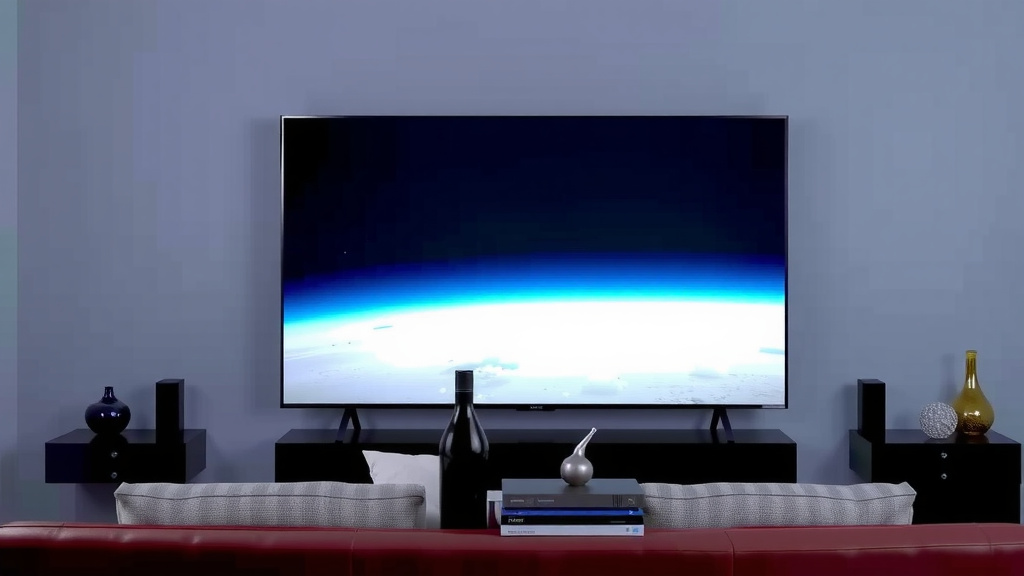
TVs, especially premium models, excel at contrast and black levels. They can display true blacks because the pixels simply turn off. This provides a deep, rich image, particularly noticeable in dark scenes. We found that OLED TVs, in particular, offer perfect black levels.
Projectors, by their nature, create an image by bouncing light off a surface. This makes achieving perfect black levels difficult. Even in a dark room, there might be a slight grayness. However, high-end projectors can still offer excellent contrast ratios, making for a very engaging viewing experience. The perceived contrast can also be affected by the screen material used.
Color Accuracy and HDR
Both technologies can deliver excellent color accuracy and support High Dynamic Range (HDR) content. HDR allows for a wider range of colors and brightness, making images more lifelike. The experience on a 75-inch TV will be bright and punchy. On a 100-inch projector, HDR can be incredibly immersive, provided the room is dark enough to appreciate the subtle details. Many experts suggest that for HDR to truly shine, you need excellent contrast, which is where the projector’s need for darkness becomes apparent (Rtings.com).
Cost and Longevity
Budget is always a factor. Let’s see how these two options stack up financially.
Initial Investment and Total Cost of Ownership
Generally, a 75-inch TV can range from around $800 to $2,500 or more, depending on the brand and features. A decent 100-inch projector setup, including a projector and a screen, can start around $1,000 and go up significantly for premium models. The upfront cost can be comparable, but you need to consider the long-term. Projector lamps have a lifespan, typically 3,000 to 10,000 hours, and will eventually need replacement, adding to the cost of ownership. Laser projectors have much longer lifespans, often 20,000 hours or more, minimizing this concern.
Lifespan and Durability
Modern TVs are built to last. You can expect a 75-inch TV to last 7-10 years or even longer with proper care. Projectors, especially those with LED or laser light sources, can also last a very long time. However, lamp-based projectors have a finite lifespan for their lamps. If the lamp burns out, you’ll need to purchase a replacement to continue using the projector. We found that the reliability of the projector’s light source is a key consideration for its longevity.
Quick Comparison Table
Here’s a quick rundown to help you visualize the differences:
| Feature | 75-Inch TV | 100-Inch Projector |
|---|---|---|
| Screen Size | Fixed at 75 inches | Variable, up to 100+ inches |
| Brightness | Very high, good for bright rooms | Lower, requires a dark room |
| Setup Difficulty | Easy, plug-and-play | Moderate to complex |
| Space Needed | TV dimensions + viewing distance | Projector throw distance + screen size |
| Best For | Everyday viewing, bright rooms, convenience | Dedicated movie nights, cinematic feel, dark rooms |
| Cost (Initial) | Mid-to-high range | Mid-to-high range (projector + screen) |
| Long-Term Costs | Minimal | Lamp replacement (for lamp models) |
Your Decision Checklist
Before you make your final choice, ask yourself these quick questions:
- Can you realistically darken your viewing room?
- How important is peak brightness for your viewing habits?
- Are you comfortable with a more involved setup process?
- Do you have enough space for a projector’s throw distance?
- What’s your budget for the initial purchase and potential future costs?
- How often will you use the display for casual viewing versus dedicated movie nights?
Conclusion
Deciding between a 75-inch TV and a 100-inch projector comes down to your specific needs and environment. If you prioritize convenience, bright room viewing, and a straightforward setup, a 75-inch TV is likely your best bet. For those who crave a true cinematic feel and can control ambient light in their room, a 100-inch projector offers unparalleled immersion. We’ve laid out the key differences to help you make the right choice for your home theater dreams.
Take a moment to review your room’s lighting and available space. Your answers will guide you directly to the display that will bring you the most viewing pleasure. Happy watching!
Frequently Asked Questions
Can I use a projector in a room with windows?
Yes, but it’s not ideal for the best picture quality. You’ll get a much better experience if you can use blackout curtains or blinds to significantly darken the room. Otherwise, the projected image can appear washed out.
What is “throw distance” for a projector?
Throw distance is the distance between the projector and the screen required to create a specific image size. Different projectors have different throw distances. You need to ensure you have enough space for the projector to achieve your desired 100-inch image.
How much brighter is a 75-inch TV compared to a projector?
Generally, a 75-inch TV is significantly brighter than most projectors. This makes TVs perform much better in rooms with ambient light, while projectors need darkness to show off their full potential.
Do projectors require a special screen?
While you can project onto a plain white wall, a dedicated projector screen will provide a much better and more consistent viewing experience. Screens are designed to reflect light optimally and improve color and contrast.
Which option is better for gaming?
For gaming, many users prefer a TV due to lower input lag and better performance in brighter conditions. While some high-end projectors offer good gaming modes, TVs generally offer a more consistent and responsive gaming experience.