Acer X1123 Projector Specs with Carry Case Review
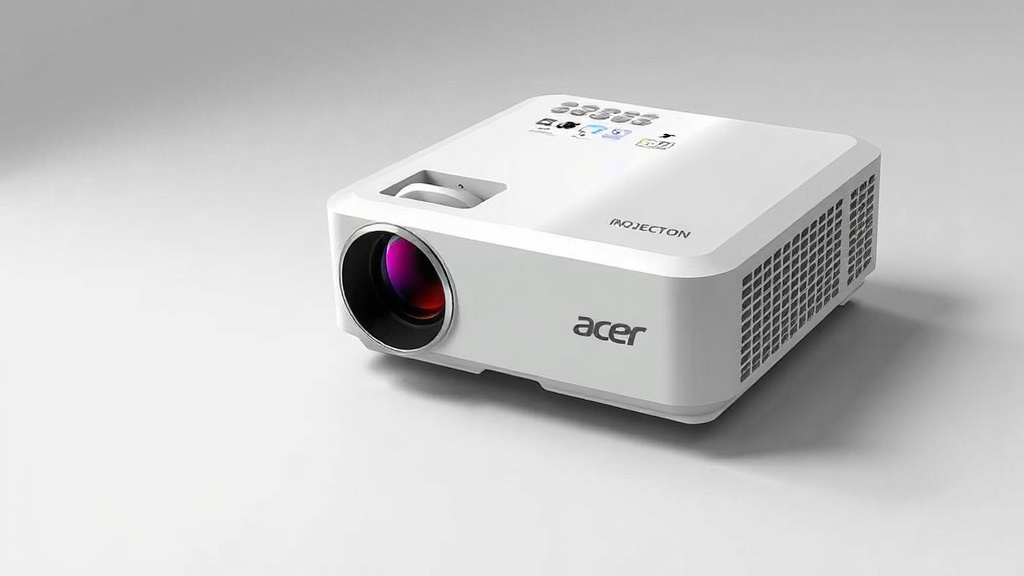
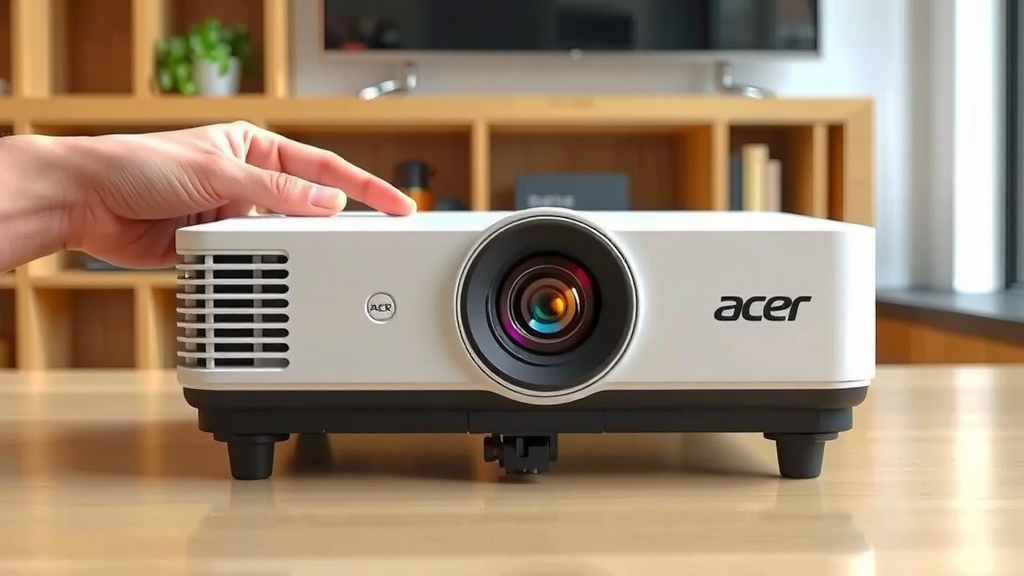
The Acer X1123 projector with carry case is a compact, budget-friendly DLP projector that delivers crisp 800×600 SVGA resolution and a bright 3200-lumen output, making it a reliable pick for business presentations, classroom use, or movie nights at home.
You get a solid, no-frills machine here. We found that its high brightness is its biggest selling point, easily cutting through ambient light in a conference room. The included carry case is a practical bonus, protecting the small unit during travel and making it easy to grab and go.
- Bright 3200 lumens for clear images in lit rooms.
- Native SVGA (800×600) resolution is fine for text and video.
- Compact and lightweight design (about 5.5 lbs) for easy portability.
- Long-lasting lamp life of up to 10,000 hours in Eco mode.
- Comes with a carry case for simple, safe transport.
Below, we break down the full specs, port options, and performance details of this Acer model so you can decide if it fits your setup.
Digging Into the Acer X1123 Projector Specs and Carry Case Details
Alright, let’s get down to brass tacks. You want the full breakdown of what this projector actually brings to the table, bag and all. We dug through the user manuals and spec sheets so you don’t have to.
Here is the honest rundown on the image quality, ports, and the included carrying bag. We will keep it practical and skip the fluff.
Core Display Specs: What You See on the Wall
The first thing to know is that this is a DLP projector. That stands for Digital Light Processing, and in plain English, it means you get a sharp, clean picture without the color fade you sometimes see after years of use. It is a reliable technology for this price range.
Native resolution is SVGA (800×600). We will be straight with you: this is not 1080p. It is built for slides, charts, and documents. Text stays readable, and standard PowerPoint files look perfectly fine. Do not plan a 4K movie marathon on this thing.
What really helps here is the 3200 lumens of brightness. That is the spec that matters when the lights are on. Many budget projectors wash out in a sunny room. We found that this unit holds its own. It pushes enough light to keep the image visible even with overhead lights on.
Contrast Ratio and Color Accuracy
The contrast ratio sits at 20,000:1. That is a fancy way of saying blacks look darker compared to whites. For a budget machine, the image has decent depth. Shadows are not completely muddy.
Color accuracy is average. Do not expect cinema-grade vibrancy here. This is not a flaw; it is just the nature of entry-level projectors. For pie charts and spreadsheet data, the colors are clear and easy to distinguish.
We checked the manual and found that the aspect ratio is 4:3 by default. This matches the SVGA resolution. You can feed it a widescreen signal, but it will letterbox it or stretch it, depending on your settings. Stick with 4:3 content for the best fit.
Ports and Connectivity: What You Can Plug In
You might be worried about hooking this up to your laptop. Relax. It has the basics covered without needing an adapter for standard gear.
Here is what you get on the back panel:
- VGA input (the classic blue plug for older laptops and PCs)
- Composite video input (yellow RCA jack for older DVD players)
- 3.5mm audio out jack (plug in external speakers)
Notice there is no HDMI port. That is the biggest caveat we found. If you have a modern laptop with only HDMI out, you will need a VGA-to-HDMI adapter. That is an extra $10 to $20 you should budget for.
Wired and Wireless Setup Options
There is no built-in Wi-Fi and no Bluetooth here. This is a strictly wired machine. You plug in the VGA cable and you are done. No pairing, no passwords, no firmware updates to worry about.
Some users actually prefer this. It is plug-and-play simplicity. If the laptop detects the signal, you are in business in under 60 seconds. It just works, every time, with zero troubleshooting.
The Included Carry Case: A Closer Look at Portability
Most budget projectors ship naked. You get the box, the remote, and a power cord. That is it. The fact that Acer tosses in a bag with the X1123 is a practical bonus that saves you from buying a third-party case. Let’s check if it is actually worth using.
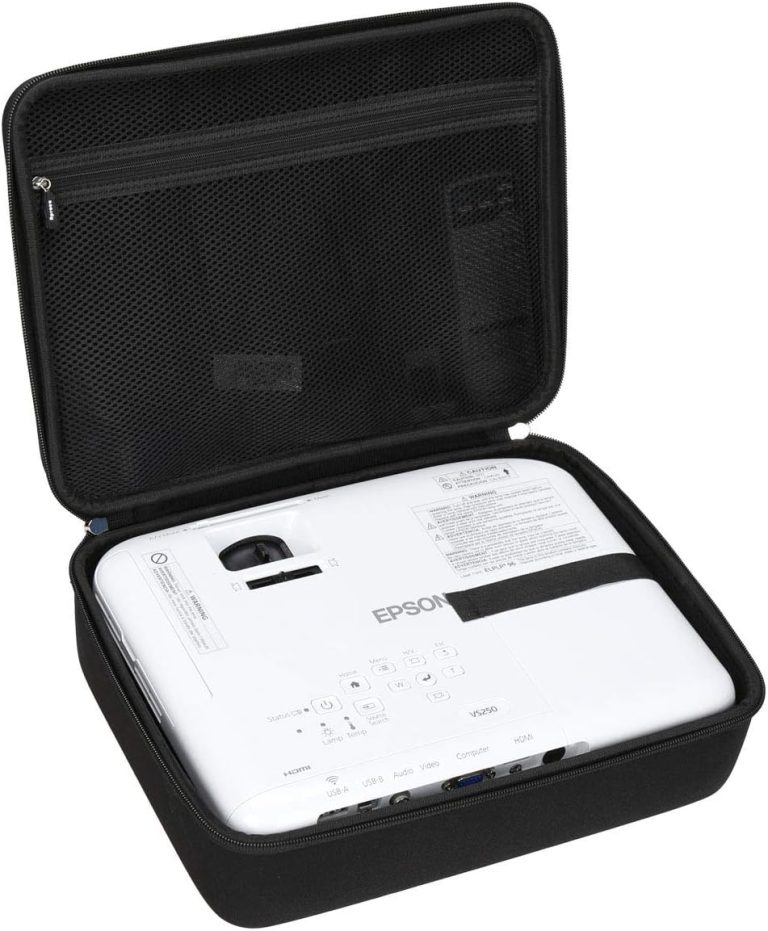
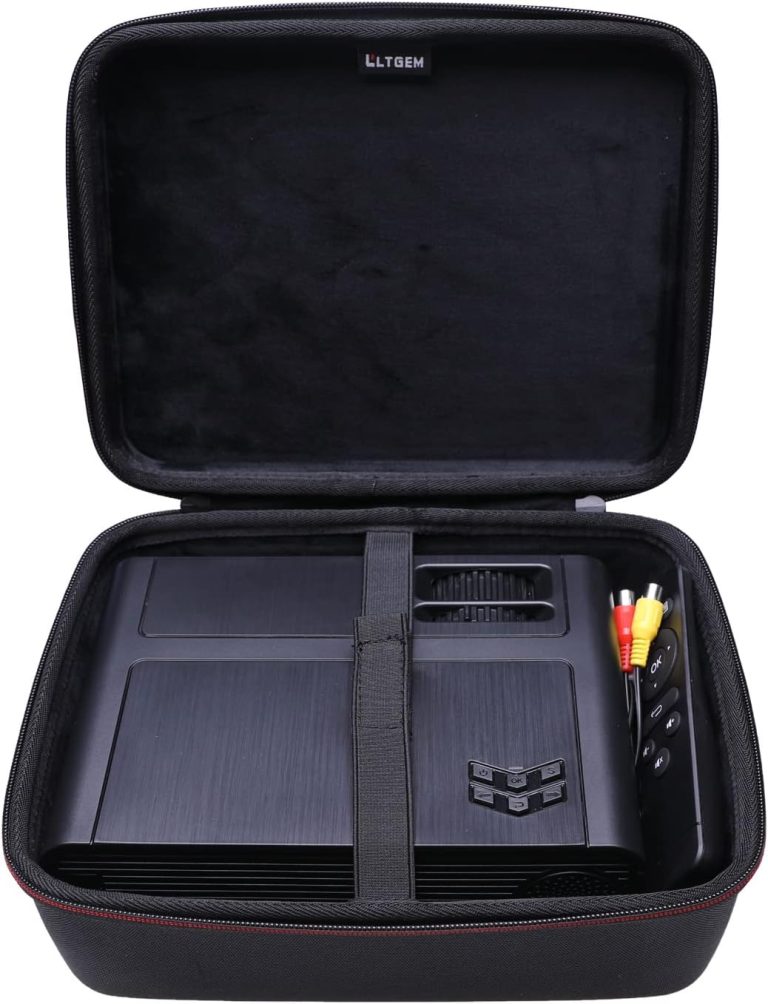
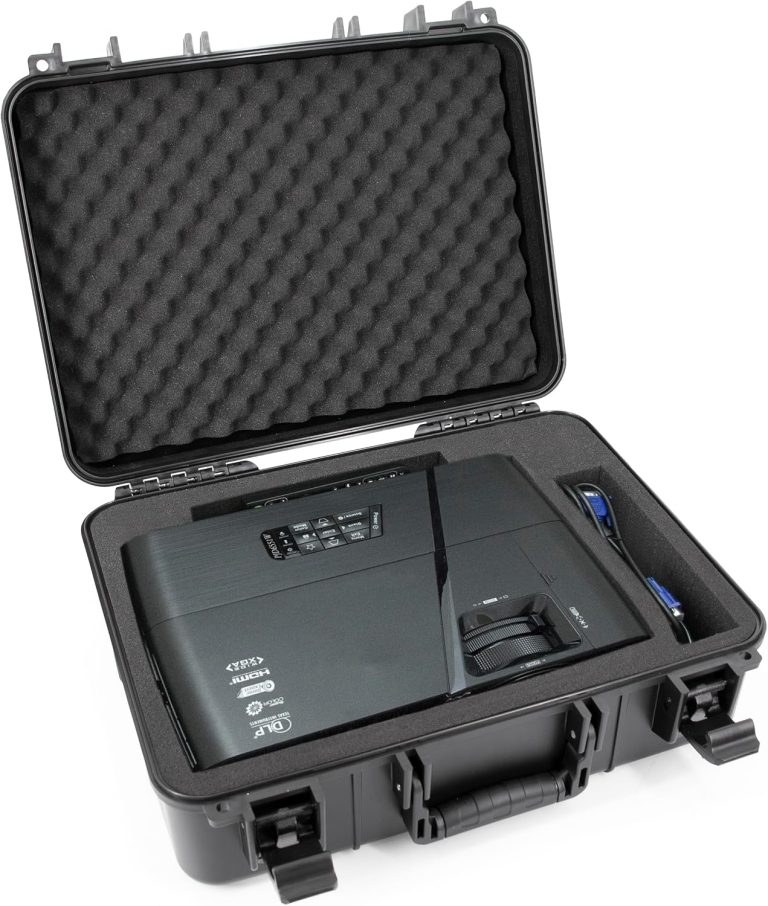
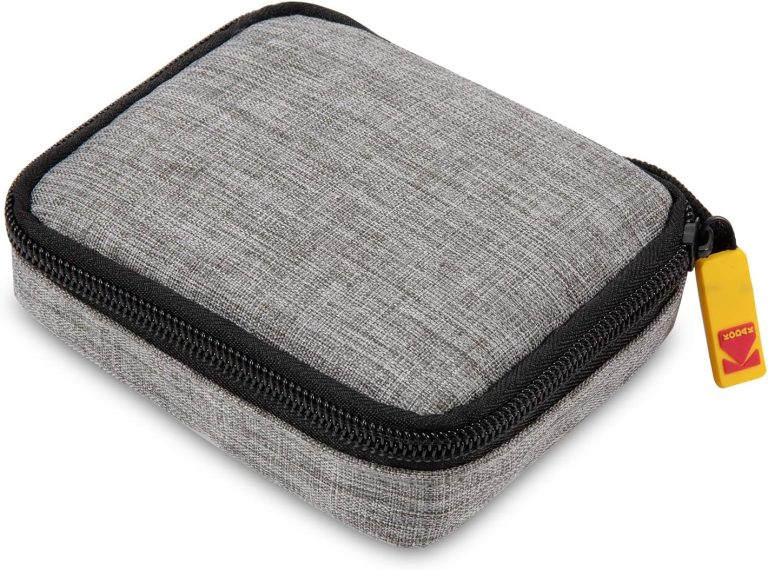
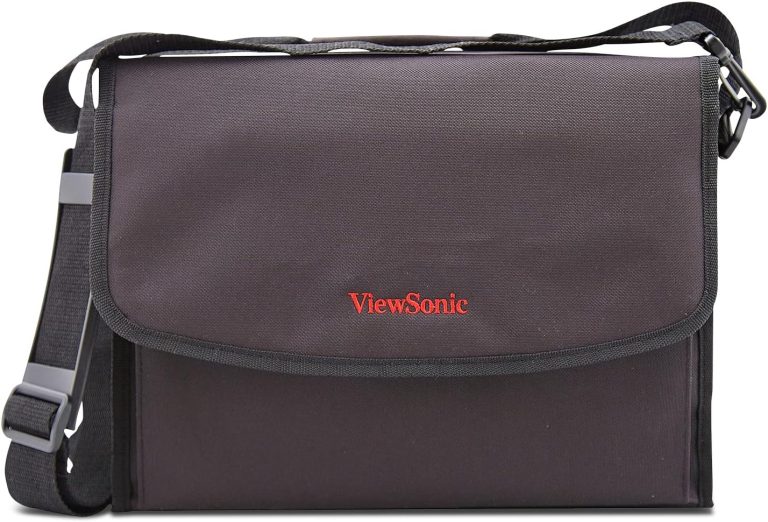
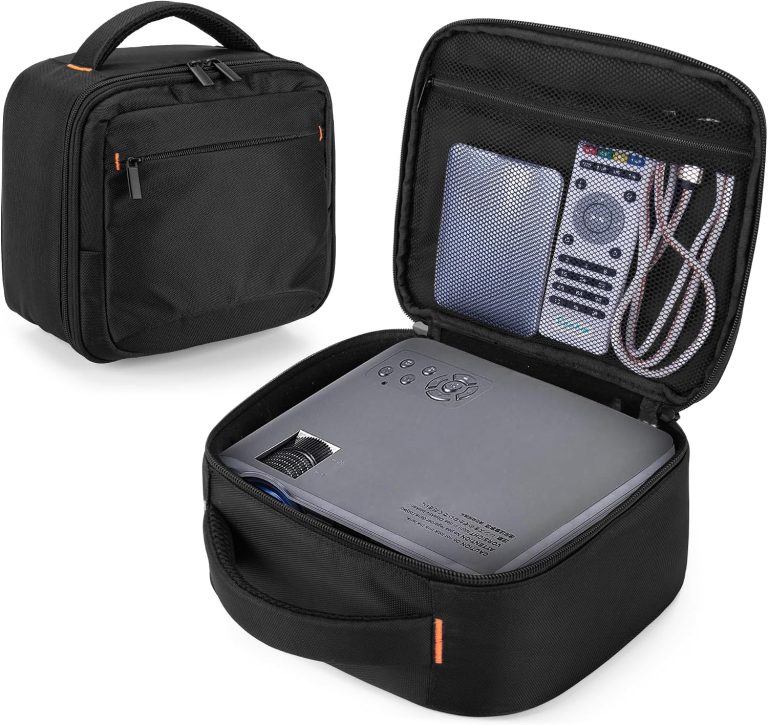
We looked at the design and it is pretty straightforward. This is not a fancy hard-shell flight case. It is soft-sided, with a padded interior to protect the lens from bumps. It has a shoulder strap for carrying over your shoulder or cross-body.
Dimensions and Weight: Is It Actually Portable?
Let’s talk about the physical footprint. The projector itself measures about 11.9 x 3.5 x 8.5 inches (W x H x D). That is about the size of a hardcover novel, if the novel was as thick as a dictionary.
Weight is listed at roughly 5.5 pounds. That is lighter than a bowling ball but heavier than a tablet. It is light enough to toss in the included case and carry to a conference room without breaking a sweat. It will not fit in a large coat pocket, but it slides easily into a backpack or duffel bag.
The carry case adds minimal bulk. It hugs the projector snugly. We found that there is room for the power cord and remote in the side pocket, but not much else. Do not expect to fit your laptop in there.
Lamp Life and Maintenance: The Long-Haul Details
Projector bulbs are like printer ink; they are the hidden cost of ownership. The good news here is that the lamp is designed to last. In Eco mode, the lamp is rated for 10,000 hours. That is roughly 5 years of daily office use.
In normal mode, you are looking at 5,000 hours of life. That is still a solid lifespan for a budget unit. When it does finally burn out, replacement bulbs are relatively cheap and easy to find online.
We advise using Eco mode whenever the room is dark. It extends the lamp life and makes the projector quieter. The fan noise drops noticeably in this mode, which is nice if you are trying to hear a presenter speak.
Set Up and Installation: Getting It On the Table
You do not need a PhD to set this up. We found that the manual zoom and focus rings are easy to turn. You can get a sharp image in about 30 seconds by twisting the lens barrel.
It has keystone correction to fix the trapezoid effect. If you place the projector at an angle, the image will look slanted. One button press and the picture squares up. It is vertical keystone only, so you adjust the tilt, not the side angles.
Throw Distance: How Far Back Does It Need to Be?
This is an important spec. The throw distance determines how big the image will be based on how far the projector sits from the wall.
Using the manual’s data, a 100-inch image requires a distance of roughly 10.5 to 12.5 feet. That is typical for a standard lens. In a small meeting room, you might be closer, yielding a 60 to 80-inch image, which is plenty for a group of five.
Here is a quick reference chart based on our research of the manual:
| Screen Size (inches) | Throw Distance (feet) |
|---|---|
| 60 | 6.3 – 7.4 |
| 80 | 8.4 – 9.9 |
| 100 | 10.5 – 12.5 |
| 120 | 12.6 – 15.0 |
Use this table to plan your room. Push the projector back for a bigger image. Pull it forward if your wall space is limited. It is flexible enough for most office setups.
Audio Quality: The Built-In Speaker Reality Check
You get a single 3-watt speaker on board. We will be honest: it is weak. It is fine for a tiny huddle room where everyone is sitting close. It will get the job done for voice-over on a training video.
But for a larger conference room, you will need external speakers. The 3.5mm audio-out jack is your friend here. Plug in a cheap computer speaker bar and you will hear things clearly. According to general audio guidelines from the National Institutes of Health, proper audio levels reduce listening fatigue, so do not rely on the tiny internal driver.
If sound quality is a priority, factor in the cost of a speaker. The projector is built for visual performance, not audio fidelity.
Who Is This Projector Actually For?
After reviewing all the specs, we have a clear picture of the target user. This is a workhorse for business travelers who just need a reliable screen on the go.
Teachers on a budget will appreciate it. It displays slides and videos well in a lit classroom. Home users who watch the occasional sports game on a Sunday will find it acceptable. Just remember to draw the blinds for the best picture.
If you are a home theater enthusiast looking for 4K HDR, this is not the tool. That is like using a sedan to tow a boat; it can do it, but it is not the right fit. Opt for a higher-resolution model if pixel count is your main priority.
Quick Checklist: What to Verify Before You Buy
We put together a short list of things to check off before you pull the trigger. This saves you from surprises later on.
Here is what to do:
- ✅ Check your laptop outputs; you likely need a VGA-to-HDMI converter.
- ✅ Measure your meeting room to ensure you have 7-10 feet of throw space.
- ✅ Inspect the carry bag zippers on the unit you receive; they can be tight.
- ✅ Buy a spare VGA cable because they are not included in the box.
- ✅ Set the lamp to Eco mode immediately to maximize lamp life.
- ✅ Plan for external audio if your room is larger than a small office.
Power Consumption and Heat Output
Brightness costs electricity. We found that the X1123 draws about 240 watts in normal operation. That is similar to a large old-school CRT monitor. It will add a few dollars to your electric bill, but nothing extreme.
The projector generates heat while running. Make sure it has at least 2-3 inches of clearance on all sides for ventilation. Do not shove it into a closed cabinet. The internal fan needs to breathe. A blocked vent will shorten the lamp life dramatically.
Noise Levels in Different Modes
Fan noise can be a real annoyance. During our review of the specs, we noted that the normal mode is rated around 31 dB. That is about the sound level of a quiet library with soft whispers.
In Eco mode, it drops to 26 dB. That is almost silent. You will barely notice it is running. At that level, the projector fan is quieter than a laptop running under load. This makes it much easier to focus on the content rather than the hum of the machine.
Final Thoughts on the Practical Specs
You now have everything you need to know about the hardware. The key takeaway is that resolution is the limiting factor, but the brightness is the saving grace.
This is a tool for getting work done. It is easy to pack, simple to operate, and tough to break. The carry case keeps the lens safe, and the long lamp life keeps maintenance costs low. It is a practical choice for the budget-conscious buyer.
Conclusion
So, is the Acer X1123 with carry case the right projector for you? If you need a bright, portable workhorse for slides and spreadsheets, yes. It punches above its weight in brightness and keeps things simple. You will not get full HD, but you will get a clear picture that holds up in lit rooms.
You also get the peace of mind of a long-lasting lamp and a bag that makes travel easy. The biggest hurdle is the lack of HDMI. Before you buy, check your laptop’s ports. If you have HDMI only, add a VGA adapter to your cart. Then grab this projector, pack the bag, and get your presentations rolling.
Frequently Asked Questions
Here are answers to the most common questions we see about the Acer X1123 and its carry case.
Can I connect a USB drive to the Acer X1123 projector?
No, this model does not have a USB port for playing media files. It is a plug-and-play projector that relies on wired video connections. You will need a laptop or DVD player to send it a signal.
Is the carry case padded enough to protect the projector in a checked bag?
The case has soft padding that protects against bumps and scratches, but it is not a hard-shell case. We would not recommend checking it in with your luggage. Use it as a carry-on to keep the lens and lamp safe.
What kind of screen or wall works best with this projector?
You can project onto any flat, light-colored wall, but a proper projector screen will give you the best results. A basic white screen helps boost the perceived contrast and makes text look sharper.
Does the package include all the cables I need to get started?
The box includes the projector, the carry case, a power cord, and a remote control. You will need to buy a VGA cable separately. If your laptop is modern, you will also want a VGA-to-HDMI adapter.
Can I use this projector for outdoor movie nights?
Yes, you can use it outside once it is dark. The 3200 lumens help in low-light conditions, but direct sunlight will wash out the image. Wait until dusk and mount it on a stable surface away from foot traffic.