Conference Room Monitor vs Projector: Better?
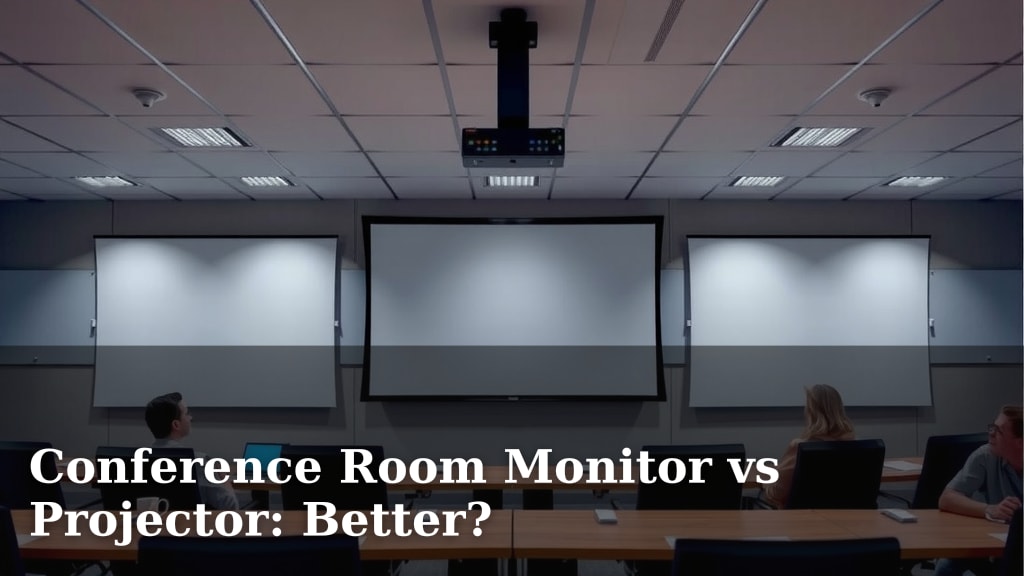
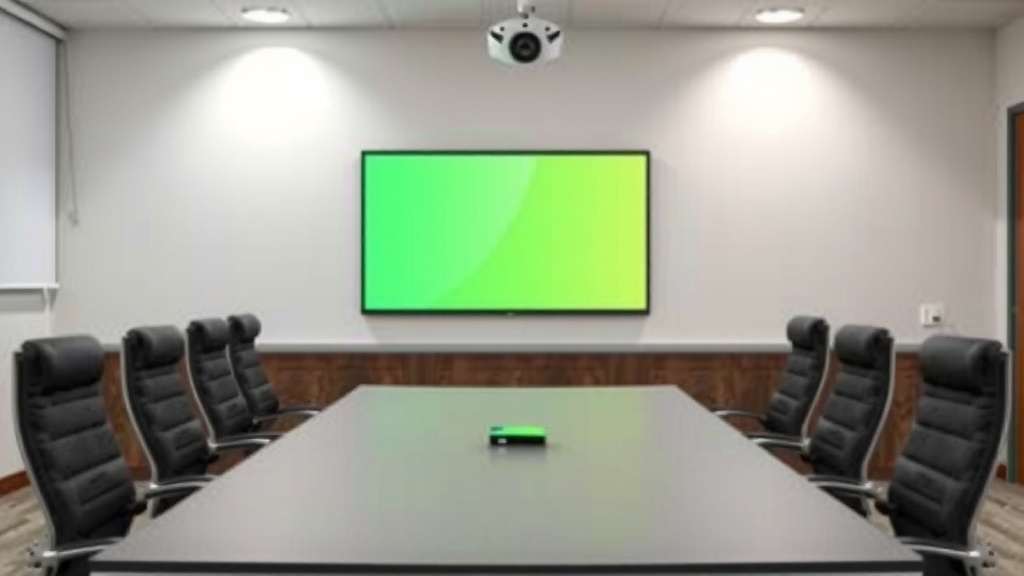
When deciding between a conference room monitor and a projector, a conference room monitor is generally the better choice for most modern meeting spaces. Monitors offer sharper images, easier setup, and better performance in well-lit rooms. Projectors can be great for very large spaces but often struggle with ambient light.
Many businesses are switching from projectors to large displays for their meeting rooms. This shift is driven by improvements in monitor technology. Think brighter screens and simpler connections. You’ll find that a good monitor can make your presentations much more impactful. We found that clarity and convenience are key factors for teams.
- Monitors are typically easier to set up than projectors.
- They provide a clearer image, especially in bright rooms.
- Projectors might be better for very large audiences but require dim lighting.
- Monitor tech is advancing, offering more features.
Let’s look at how conference room monitors and projectors stack up, so you can pick the perfect display for your team’s needs.
Choosing Your Conference Room Display: Monitor vs. Projector
When setting up your meeting space, picking the right display is a big decision. You want something that makes your presentations shine. We’ve looked at both conference room monitors and projectors. Our research shows that monitors are often the winning choice for most businesses today.
Image Quality and Brightness: A Clear Difference
One of the biggest factors is how well the display performs in your room’s lighting. This is where monitors really shine.
Sharpness and Clarity
Monitors generally offer a much sharper and clearer image. This is because they produce light directly from the screen. Think of your phone or TV screen – they’re incredibly crisp. For presentations with fine text or detailed graphics, this clarity is key. We found that presentations on monitors are easier to read, even from a distance. This helps everyone stay engaged.
Performance in Lit Rooms
Many modern conference rooms have lots of natural light. This can be a big problem for projectors. Projectors need a dim environment to show a bright, clear image. Even a little bit of light can wash out the picture. Monitors, on the other hand, perform much better in bright rooms. Their built-in light source means your presentation will be visible and vibrant. We found this to be a major advantage for busy workplaces.
When Projectors Still Have a Place
Projectors can still be useful in specific situations. If you have a very large room and a huge audience, a projector might be your only option for a screen that fills an entire wall. However, you’ll need to control the lighting. This means blackout curtains or holding meetings at specific times. For most standard meeting rooms, this isn’t practical. We found that the need for darkness limits projector use.
Setup and Usability: Making Meetings Easier
Your team needs to get meetings started quickly. Complex setups can waste valuable time.
Simplicity of Connection
Connecting to a monitor is usually straightforward. Most modern monitors use standard HDMI or USB-C connections. You plug it in, and it often just works. Laptops, tablets, and phones can connect easily. Some monitors even offer wireless screen sharing options built-in. This makes it super simple for anyone to share their screen.
Projector Setup Challenges
Projectors often have a more complicated setup. You need to mount the projector, either on the ceiling or a stand. Then you have to connect cables, often running them across the room. You also need to adjust the focus and keystone correction to get a rectangular image. This can be a frustrating and time-consuming process. We’ve all been there, fiddling with cables as people wait.
Maintenance and Longevity
Monitors are generally low-maintenance. They don’t have bulbs that need replacing, which can be a significant ongoing cost with projectors. The lifespan of monitor panels is typically quite long. Projectors have bulbs that burn out. Bulb replacement can be expensive. We found that the cost of replacement bulbs adds up quickly over time.
Cost Considerations: Initial vs. Long-Term
When looking at the price tag, it’s important to consider the total cost of ownership.
Upfront Investment
Historically, projectors offered a larger screen size for a lower upfront cost. However, this gap has narrowed considerably. Large-format monitors, like those suitable for conference rooms, have become more affordable. You can now find excellent quality displays without breaking the bank. We found that the price of a good monitor is often comparable to a projector and screen setup.
Ongoing Expenses
As mentioned, projector bulbs are a recurring expense. They also consume more electricity than a comparably sized monitor. Over the lifespan of the display, these ongoing costs can make projectors more expensive. Monitors are generally more energy-efficient. This saves you money on your electricity bill. We found that the long-term savings with monitors are substantial.
Comparing Features: What Each Offers
Let’s break down some key features side-by-side.
| Feature | Conference Room Monitor | Projector |
|---|---|---|
| Image Brightness | Excellent, works well in lit rooms | Requires dim lighting for best results |
| Image Clarity | Very sharp and detailed | Can be good, but often less sharp than monitors |
| Setup Complexity | Simple, plug-and-play | Can be complex, requires mounting and adjustment |
| Maintenance | Low, no bulb replacements | Requires regular bulb replacement |
| Energy Efficiency | High | Lower |
| Best For | Most modern meeting rooms, bright offices | Very large spaces, dedicated dark rooms |
Your Conference Room Display Checklist
To help you make the final decision, ask yourself these quick questions:
- How bright is your conference room typically?
- How large is the room and how many people attend meetings?
- What is your budget, both upfront and for ongoing costs?
- How important is ease of setup and use for your team?
- Do you need the absolute largest screen possible, even at the cost of lighting?
Conclusion
When equipping your conference room, a monitor often emerges as the superior choice for most businesses. You’ll experience sharper images and a much simpler setup, especially in today’s naturally lit offices. While projectors have their niche in vast, dark spaces, monitors deliver consistent, vibrant performance with less hassle and fewer ongoing costs. Consider your room’s lighting and your team’s need for quick, reliable connections. It’s time to make the switch to a display that truly enhances your meetings.
Frequently Asked Questions
Can a conference room monitor really compete with a projector for screen size?
Yes, large-format monitors are now widely available and more affordable. You can get impressive screen sizes that fill your wall space. For most meeting rooms, the size offered by modern monitors is more than sufficient.
Is the setup for a conference room monitor truly that much easier than a projector?
Absolutely. Monitors typically use simple HDMI or USB-C cables for plug-and-play connectivity. Projectors often require mounting, running cables across the room, and manual adjustments for focus and image shape.
What happens if my conference room has a lot of windows and natural light?
This is where monitors really outshine projectors. Monitors are designed to be bright and visible even in well-lit rooms. Projectors struggle significantly in bright environments, leading to washed-out images.
Are there hidden costs with projectors that monitors don’t have?
Yes, the biggest ongoing cost for projectors is replacing the lamp. These lamps have a limited lifespan and can be expensive. Monitors do not have this recurring expense.
Can I connect my phone or tablet wirelessly to a conference room monitor?
Many newer conference room monitors come with built-in wireless screen-sharing capabilities. This makes it very easy for anyone to share their device’s screen without needing cables.