Best Projector Carry Cases with Shoulder Straps
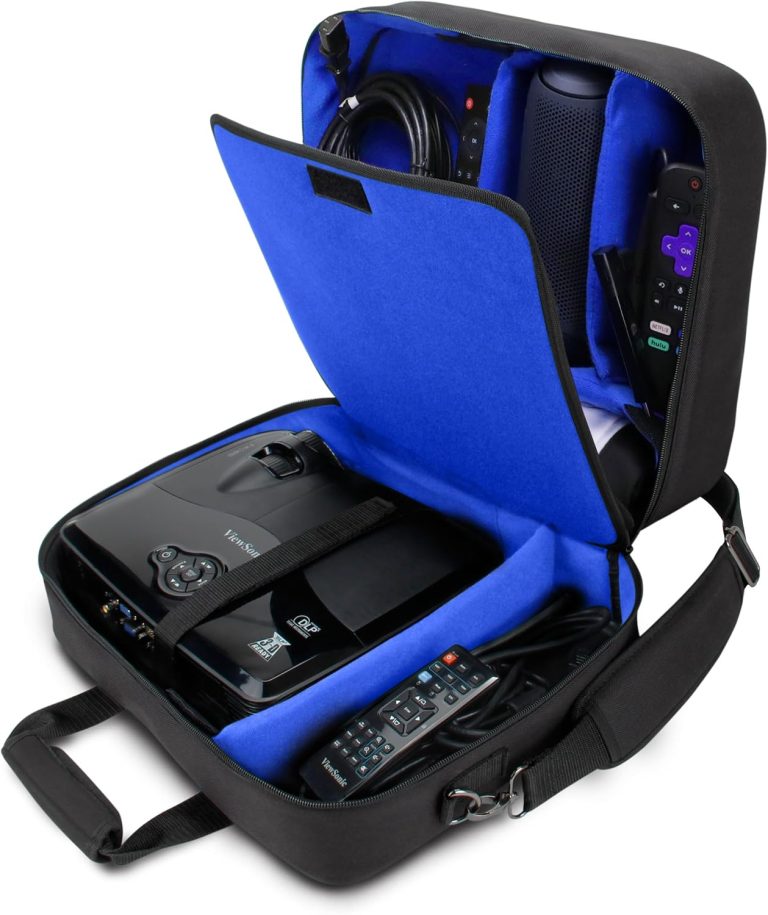
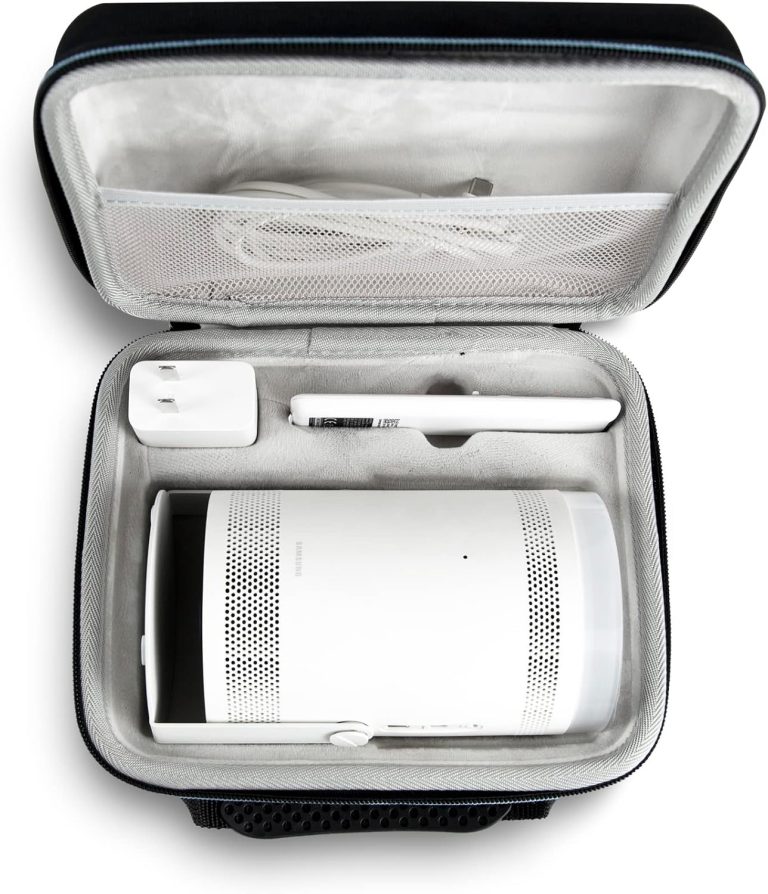
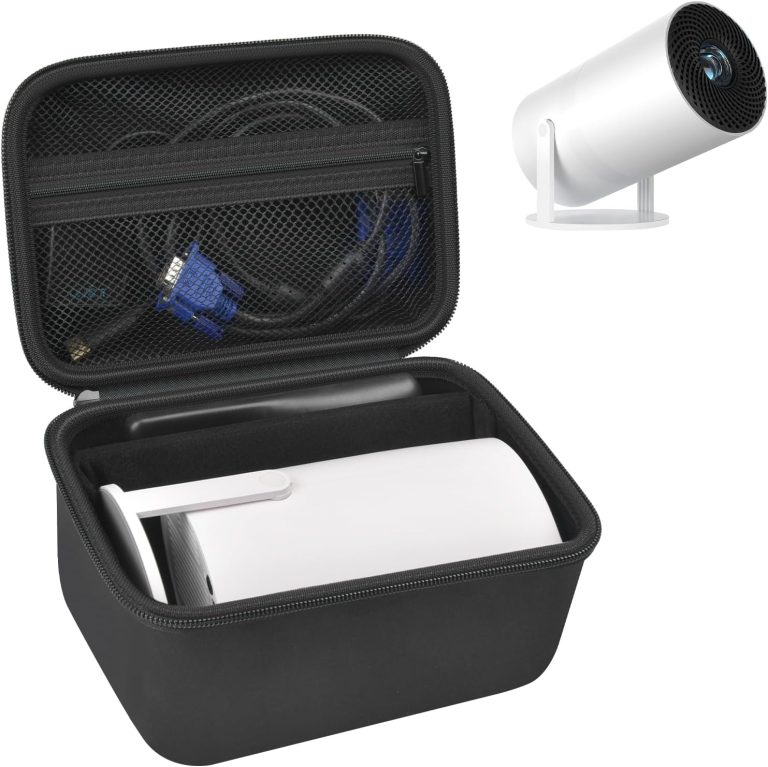
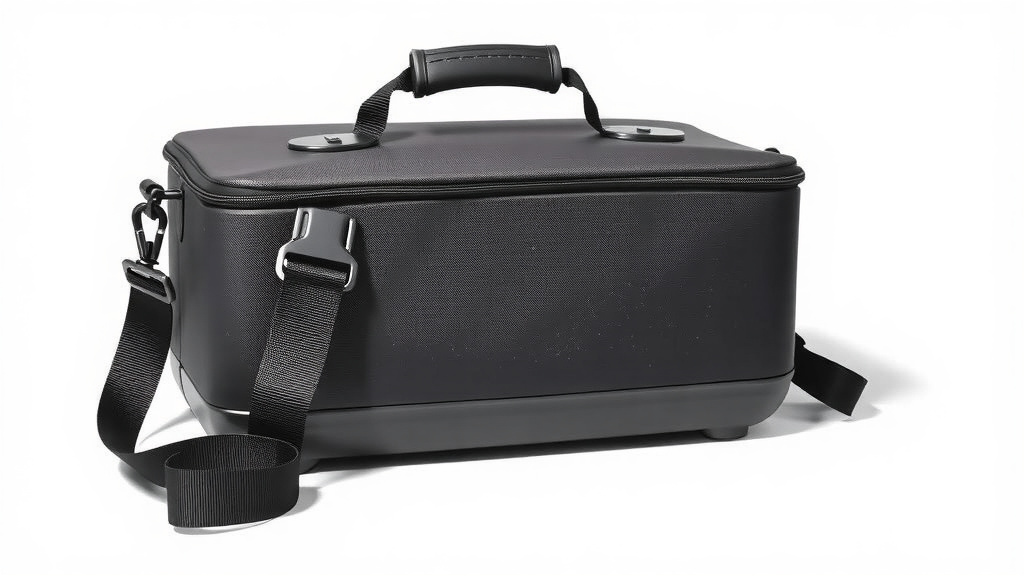
Yes, a projector carry case with shoulder strap is the smartest way to protect your gear, especially if you travel light. You get hands-free carrying, bump protection, and a place for all your cables, all in one simple bag. We found that models around the $25 to $45 price range offer the best balance of padding and comfort.
Your projector is an investment, and tossing it loose in a backpack is a risk you don’t need. A dedicated case with a strap keeps the lens safe from scratches and the body safe from drops. Plus, having a specific spot for the remote and power cord means no more digging around the car or your desk looking for parts.
- Key Benefit: A shoulder strap frees up your hands for other bags, coffee, or hauling the screen.
- Find the Fit: Always measure your projector’s exact dimensions and add an inch for padding.
- Padding Matters: Look for at least 8-10mm of foam on all sides to survive real-world bumps.
- Stay Organized: Choose a case with interior pockets for the power brick, HDMI cables, and remote.
- Strap Comfort: Look for a padded strap with a non-slip grip so it stays on your shoulder.
Now that you know why you need one, let’s walk through how to pick the perfect case for your specific model and budget. We’ll break down the sizing and materials so you can order the right one the first time. For a head start, our roundup of the best projector bags highlights top-rated models with shoulder straps.
Choosing the Right Projector Carry Case With Strap
You need a case that fits your projector like a glove. Not too tight, not too loose. We found that the sweet spot is a case with about one inch of extra room on every side.
That extra space gives you room for padding and a little wiggle room for the power cord. It also prevents the case from stretching and straining the zipper over time.
Measuring Your Projector the Right Way
Grab a tape measure and get the exact length, width, and height of your projector. Do not guess. Check the manufacturer’s specs online if you can. Many experts say that the biggest mistake people make is buying a case based on brand name instead of measurements.
Write down the numbers. Then, look for a case that is at least one inch larger in each dimension. That simple step will save you the hassle of returns.
Why a Snug Fit Matters
A loose case lets the projector slide around. That movement can knock the lens out of alignment or crack the casing. A snug fit holds everything in place and keeps the foam pressed against the device. We found that a snug fit also makes the case easier to carry because the weight stays centered.
Keep in mind that some projectors have odd shapes. If your model has a protruding lens or a handle on top, you need to measure those parts too. Add that extra inch to the highest point, not just the base.
Padding and Shock Protection: The Core of a Good Case
Your projector is full of delicate parts. The lens is glass, and the internal components are sensitive to impact. A drop from waist height can easily damage the DLP chip or LCD panel. The right padding absorbs that shock before it reaches your gear.
Look for cases with at least 8 to 10 millimeters of closed-cell foam on all sides. That is about the thickness of a standard smartphone. We found that cases with this level of padding are the minimum for safe travel.
Hard Shell vs. Soft Shell: Which One Do You Need?
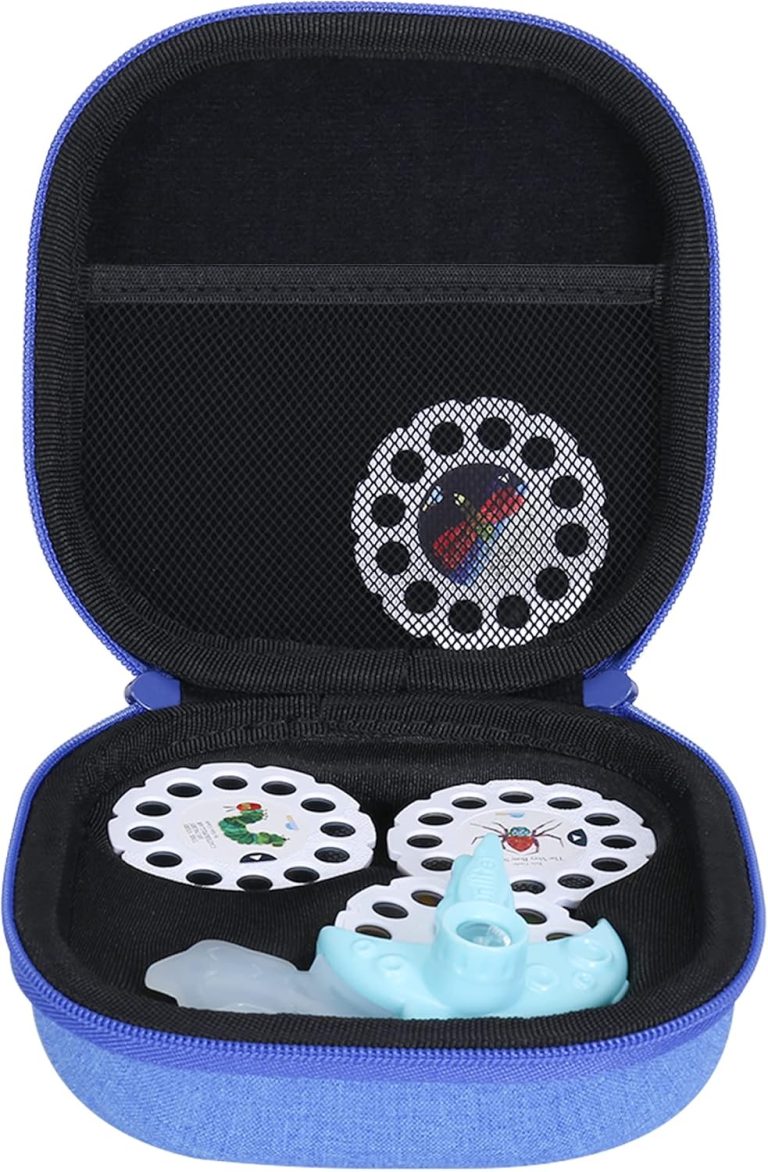
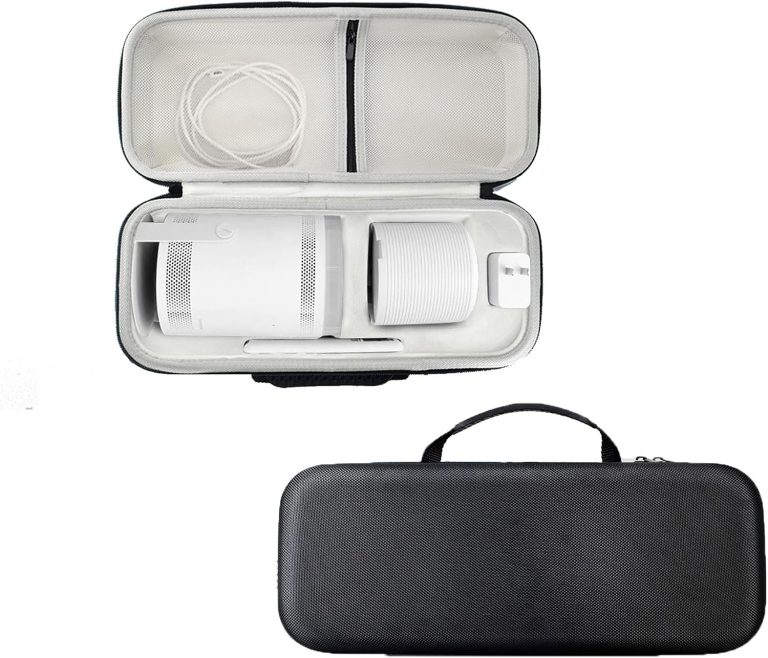
Hard shells are rigid and offer the best protection. They are ideal for checked luggage or rough handling. Soft shells are lighter and easier to squeeze into a backpack. They work well for car trips and casual use.
Think about how you travel. If you fly often or toss your bag in the back of a truck, go with a hard shell. If you are walking from the car to a conference room, a soft shell is plenty. Many experts say that hard shells protect better against crushing, but soft shells are easier to carry for long distances. If security is a concern, our guide to choosing a lockable projector carry case explains the options.
Rigid Foam Inserts vs. Custom Cut Foam
Some cases come with a solid block of foam that you cut yourself. That gives you a perfect fit for your specific model. Other cases have pre-cut foam layers that you can tear out to match the shape. Both work fine.
We found that pick-and-pluck foam is easier for most people. You just remove the small squares and create a custom cradle. Just make sure you do not pluck out too much. You want the projector to sit below the top edge of the foam so the lid presses down on it.
Shoulder Strap Comfort: What to Look For
A shoulder strap only helps if it feels good. A thin strap digging into your neck is worse than no strap at all. You want a padded strap with a non-slip grip on the underside. That keeps it from sliding off your shoulder when you bend over or move quickly.
We found that straps with a rubberized or textured inner surface stay in place much better than plain nylon webbing. The padding should be at least two inches wide to distribute the weight properly.
Strap Adjustability and Attachment Points
Check how the strap attaches to the case. Metal D-rings are stronger than plastic loops. They also last longer. Make sure the attachment points are sewn into reinforced areas of the case, not just the outer fabric. Many guidelines point to reinforced stitching as a key sign of quality (Consumer Reports).
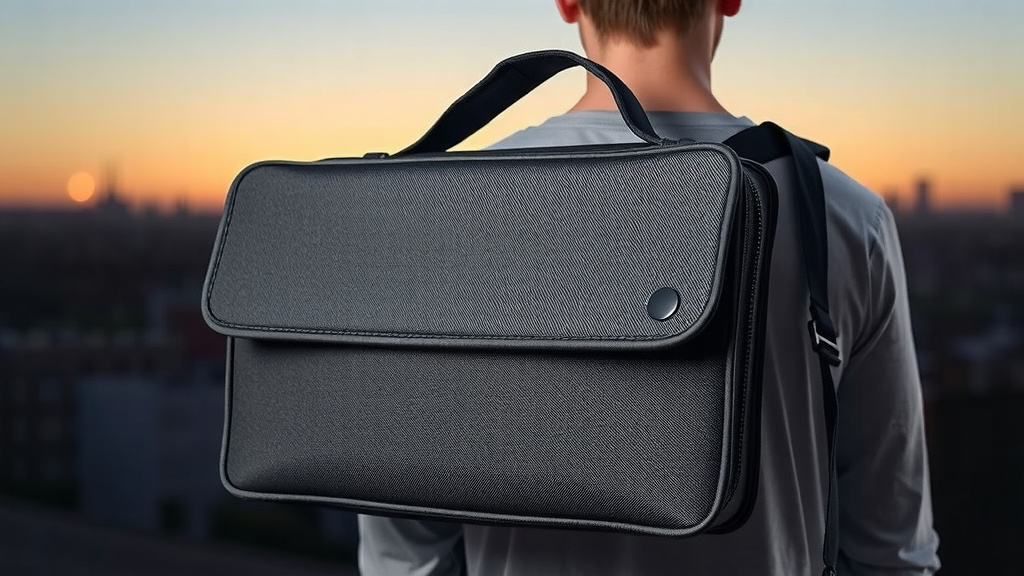
You also want a strap that is adjustable from about 30 inches to 50 inches. That range works for most body types and lets you wear the case crossbody or over one shoulder. A crossbody style is safer because it keeps the case close to your body and harder for someone to grab.
Organization Features: Keeping Cables and Remote Together
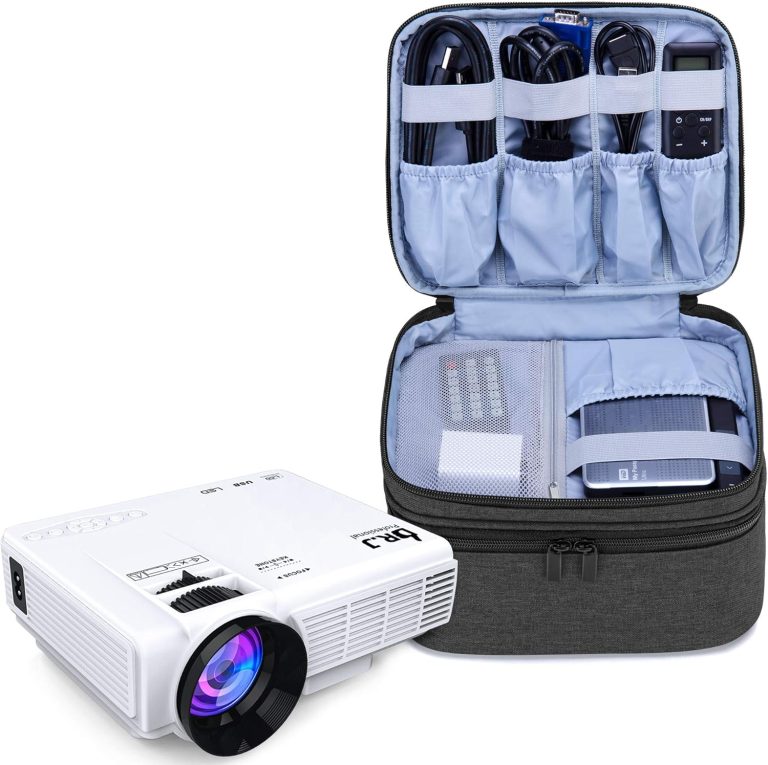
Projector cables are a mess. The power brick is bulky, and the HDMI cable is long and tangly. A case with interior pockets solves that problem. You need a dedicated spot for the remote, the power cord, and any adapters you use.
Without pockets, all those small items float around the case. They can bump into the projector and scratch it. We found that cases with zippered mesh pockets on the inside lid are the most useful. They keep small items visible and secure.
Exterior Pockets: Quick Access Without Opening the Main Compartment
An exterior pocket is great for items you need fast. Think of it like a glove box in your car. You can store a mini HDMI cable or a USB flash drive there. You do not need to unzip the whole case and expose the projector to dust.
We found that a front slash pocket is the most common design. It works well for flat items like cables. Just avoid overloading it, because a bulging pocket can put pressure on the main zipper and make it hard to close.
Weather Resistance and Build Materials
Rain and moisture are silent killers for electronics. A quick sprinkle while walking to the car can soak through a cheap nylon bag. Look for cases made from water-resistant materials like heavy-duty polyester or nylon with a waterproof coating.
Also, check the zippers. Exposed zippers can let water seep in. Look for zippers that are covered by a fabric flap or have a water-resistant coating. We found that cases with a sealed or taped seam construction offer the best protection against unexpected weather.
Denier Rating: What It Means for You
You might see numbers like 600D or 900D on the product page. That is the denier rating, which measures the thickness of the fabric. A higher number means a thicker, more durable fabric. For projector cases, we found that 600D is the minimum for everyday use.
900D or 1000D fabric is heavier but much more tear-resistant. If you are tough on your gear, spend the extra few dollars for a higher denier fabric. It will survive being thrown into a trunk or sliding across a rough floor.
Sizing Guide and Fit Comparison
Projector sizes vary widely. A compact pico projector is about the size of a smartphone. A large home theater projector is the size of a small microwave. That means you need to match the case size to your projector’s class.
Use this quick guide to narrow down your options before you start shopping.
| Projector Type | Typical Dimensions | Recommended Case Size |
|---|---|---|
| Pico / Mini | 4″ x 3″ x 1″ | 6″ x 5″ x 3″ |
| Portable / Travel | 8″ x 6″ x 3″ | 10″ x 8″ x 5″ |
| Standard Home | 12″ x 9″ x 4″ | 14″ x 11″ x 6″ |
| Large / Pro | 16″ x 12″ x 6″ | 18″ x 14″ x 8″ |
These numbers are just starting points. Always measure your exact model before ordering. We found that projector brand names are not a reliable guide because two different models from the same brand can have very different sizes.
Budget Considerations: What You Get for the Money
You do not need to spend a fortune to protect your projector. We found that the $25 to $45 range is the sweet spot. In that range, you get decent padding, a comfortable strap, and usable pockets.
Cases under $20 often have thin foam and flimsy zippers. They might protect against dust but not against drops. Cases over $60 are usually professional-grade and built for heavy airline travel. If you only use your projector a few times a month, that higher price is probably not worth it.
Where to Save and Where to Spend
Spend your money on padding and strap quality. Those are the two things that protect your gear and your comfort. Save your money on extras like logo embroidery or fancy colors.
We found that basic black or gray cases are often cheaper and just as functional. The plain design also attracts less attention, which is a small security bonus when you are carrying expensive electronics in a busy area.
Your Pre-Travel Checklist for Packing the Case
Before you zip up and head out the door, run through this quick checklist. It takes less than a minute and can save you from a headache later.
- Power cord is fully wrapped and secured with a velcro tie.
- HDMI cable is coiled loosely, not bent at sharp angles.
- Remote control is tucked into its dedicated pocket.
- Lens cap is on and secure.
- Projector is centered in the foam with the lens facing up.
- Strap is attached to both D-rings and adjusted to your length.
That is it. You are ready to walk out the door with your hands free and your gear safe. The right case makes carrying a projector feel as easy as carrying a messenger bag.
Conclusion
You now know exactly what to look for in a projector carry case with shoulder strap. Measure your projector first, then match it with a case that has at least 8-10mm of padding and a comfortable, non-slip strap. Organization pockets and water-resistant materials are worth the small extra cost.
Your projector is too expensive to risk with a flimsy bag. Grab a tape measure, check the dimensions, and order a case in the $25 to $45 range. You will get solid protection and hands-free carrying without breaking the bank. Do it today so you are ready for your next presentation or movie night.
Frequently Asked Questions
Can I use a camera bag for my projector instead?
You can, but it is not ideal. Camera bags are shaped for cameras and lenses, so your projector might not sit flat or stay centered. The padding is often in the wrong spots. A dedicated projector case fits your gear properly and keeps the weight balanced on your shoulder.
How do I clean my projector carry case?
Start by emptying the case and shaking out any loose dust. Use a damp microfiber cloth with mild soap to wipe the exterior and interior surfaces. Let it air dry completely before putting your projector back inside. Avoid machine washing because it can damage the foam padding and the strap stitching.
Is it safe to check a projector case as airline luggage?
Only if you have a hard-shell case with thick foam. Soft cases will not survive the rough handling in the cargo hold. We recommend carrying your projector on the plane whenever possible. If you must check it, wrap the case in a padded bag and put fragile stickers on the outside.
What is the best way to carry the case to avoid back pain?
Wear the strap crossbody instead of on one shoulder. That spreads the weight across your chest and back. Keep the case close to your body and adjust the strap so the case sits at hip level. Switch sides every 15 minutes if you are walking a long distance.
Can I fit a small laptop in a projector carry case too?
Most projector cases do not have a dedicated laptop sleeve. You can try if your projector is small and the case has extra room, but the laptop might press against the projector. It is safer to carry your laptop in a separate bag or a backpack with a padded compartment.