Best Projector Screen Carry Cases for Safe Transport
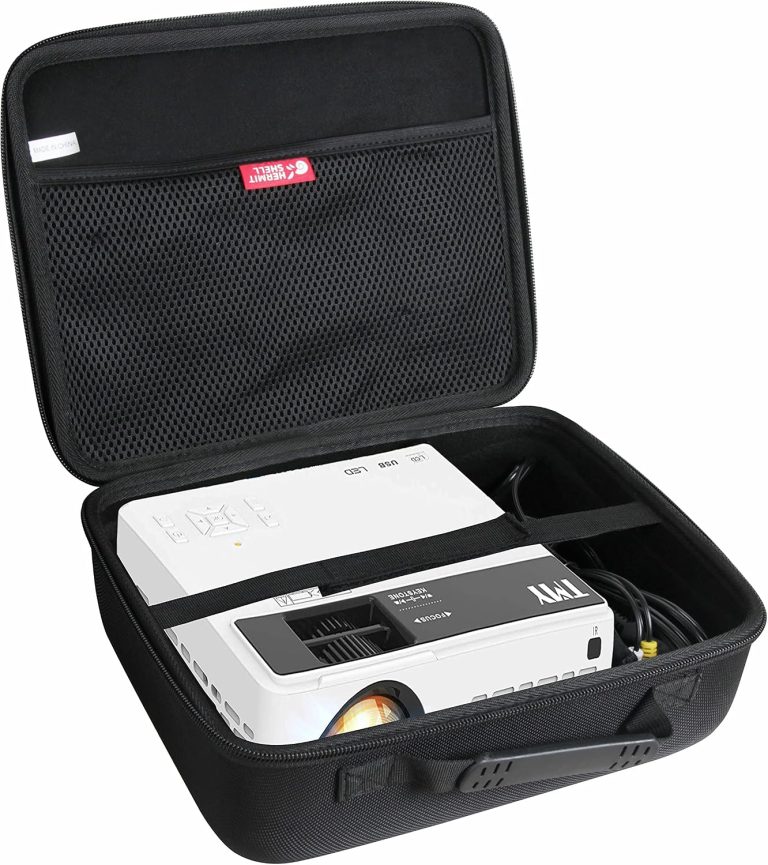
Yes, a carry case for projector screen is absolutely worth buying if you want to protect your investment and keep it portable. Without one, your screen is exposed to dust, scratches, and accidental damage that can ruin your viewing experience. We found that a simple padded bag or hard case is the easiest way to keep your screen safe between movie nights and business presentations.
Projector screens come in all shapes and sizes, and so do their cases. Whether you have a portable tripod model or a heavy floor-standing unit, the right case makes transport a breeze. Many experts say that protecting your screen is just as important as protecting the projector itself. A quality carry case also keeps all the parts together, so you won’t lose screws, remote controls, or mounting hardware.
- Measure your screen before buying a case; size matters more than brand.
- Hard cases offer the best protection, but soft padded bags are lighter and cheaper.
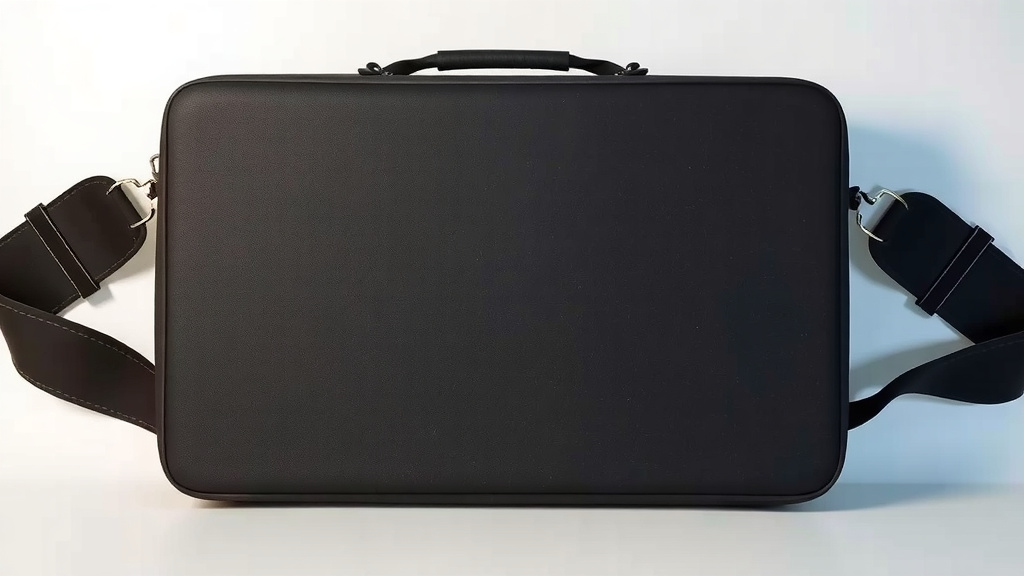
- Look for cases with strong zippers, handles, and shoulder straps for easy carrying.
- Budget-friendly options under $30 work well for casual home use.
- Always check the case fits your screen’s folded dimensions, not just the full size.
Below, we break down everything you need to know about choosing the perfect carry case for your projector screen, including what to look for and common mistakes to avoid. Let’s walk through it together so you can pick the right one the first time.
Choosing the Right Projector Screen Travel Case
You need a case that fits your screen’s folded size, not its full dimensions. This is the most common mistake we see. A projector screen that is 100 inches diagonal can fold down to just 3 feet long. Always measure the collapsed length and the diameter of the tube before you buy anything.
We found that most manufacturers list the folded dimensions in the product manual. If you lost the manual, grab a tape measure and check it yourself. It takes two minutes and saves you the headache of a return.
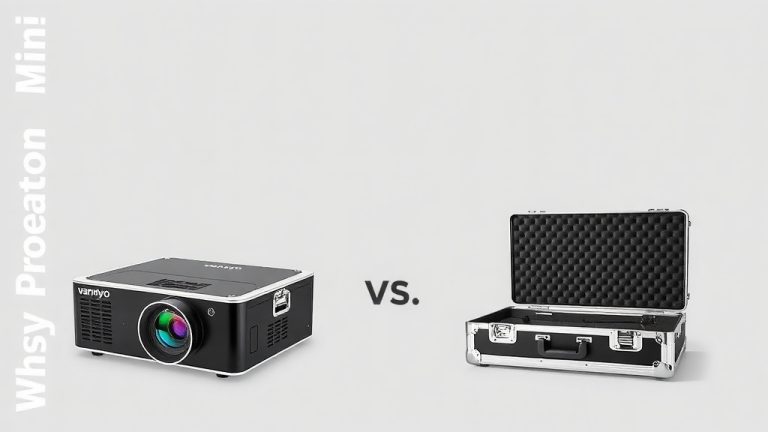
Soft Padded Bags vs. Hard Cases
Your choice here depends on how you plan to use the screen. Do you toss it in the trunk for tailgates? Or does it live in a closet between business meetings? Both scenarios need different protection levels.
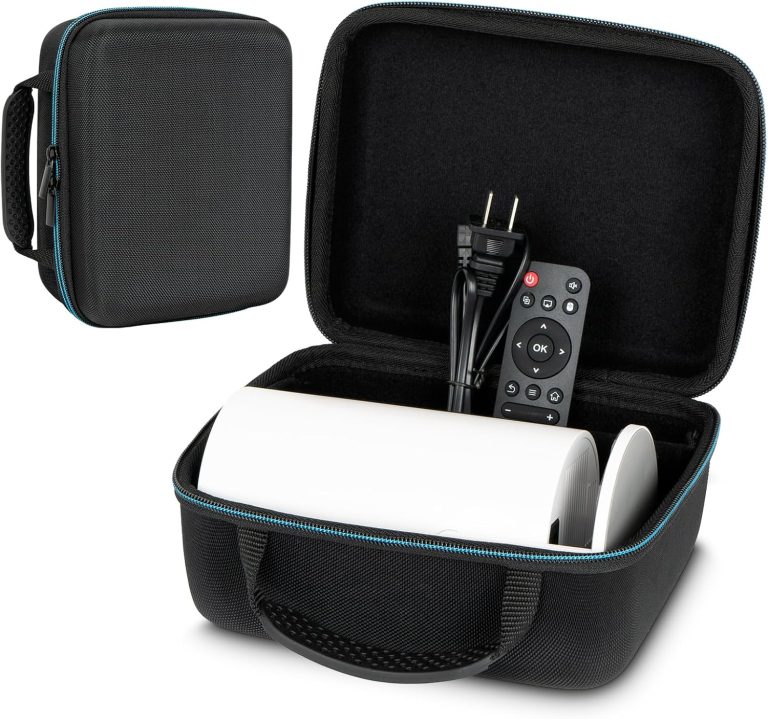
A soft padded bag is light and easy to store. It protects against dust and minor bumps. However, it won’t survive a heavy drop or something crushing it in the car.
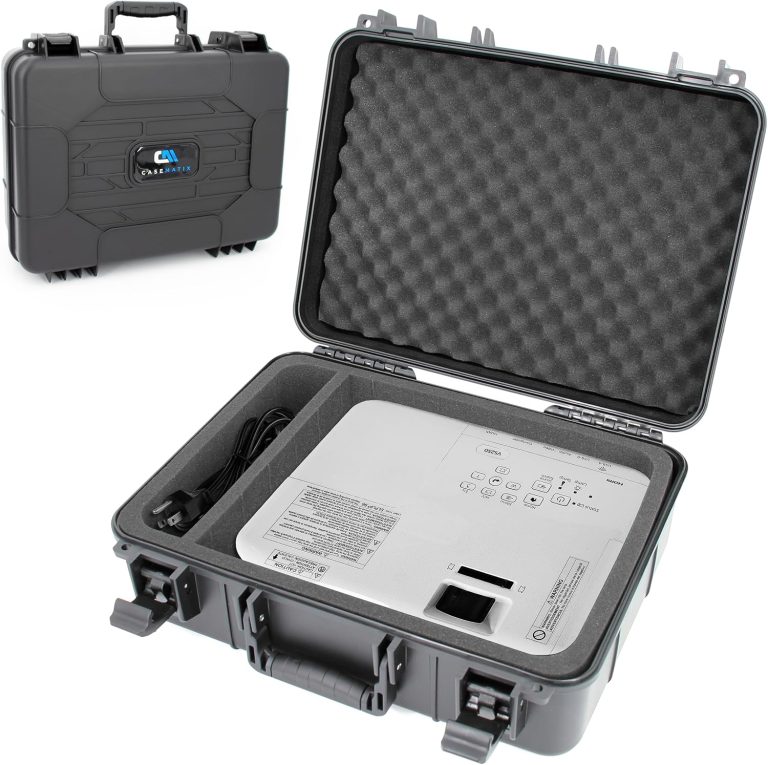
A hard case offers the best defense. Think of it like a turtle shell for your screen. It protects against impact, crushing, and even light rain. The trade-off is weight and bulk, which makes it harder to carry long distances.
When to Choose a Hard Case
If you are a traveling presenter, a hard case is the way to go. Business travel involves checked baggage and airport handlers. You need armor, not just a bag. We found that hard cases also give you peace of mind when you pack other gear on top of the screen. For extra security during travel, our guide to choosing a lockable projector carry case explains the options.
When a Soft Bag is Enough
For home use, a soft padded bag is usually fine. You are moving the screen from your house to a friend’s backyard. It is a short trip with low risk. A soft bag is also easier to stash in a closet or under a bed when not in use.
Key Features to Look for in Projector Screen Cases
Not all cases are created equal. We looked at dozens of options and found that a few key features separate the good from the bad. Pay attention to the zippers, straps, and internal padding. These small details make a big difference in daily use.
Zipper Quality and Closure Systems
The zipper is the first thing to check. A cheap zipper will fail after a few months. Look for heavy-duty zippers with large pulls. They are easier to grip and less likely to break. Many experts say that the zipper is the weakest point on any bag, so spend a little extra for quality.
Carrying Handles and Shoulder Straps
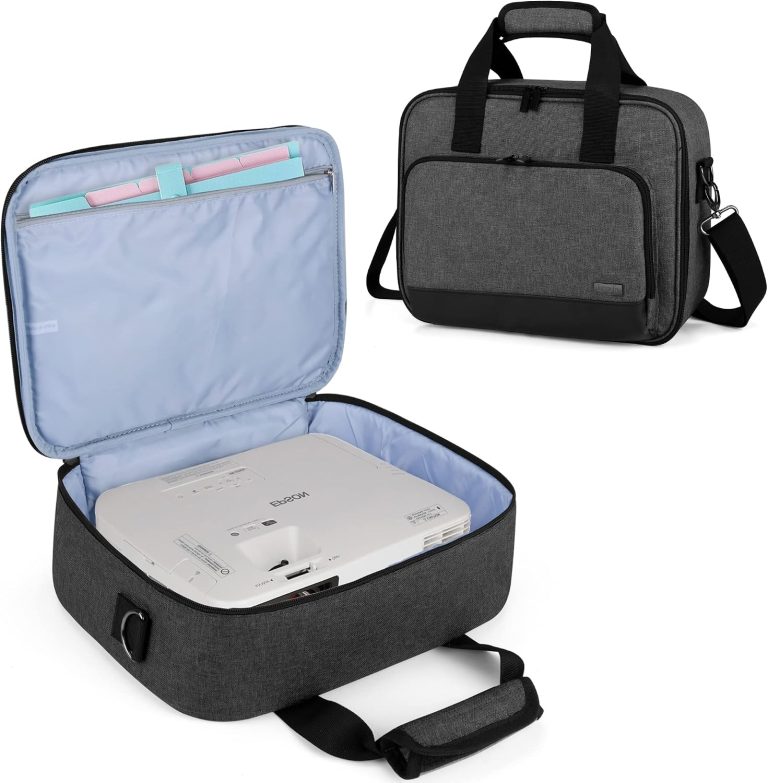
Think about how you will carry the case. A simple handle is fine for short distances. But if you are walking from a parking garage to a conference room, you need a shoulder strap. Some cases come with both options, which gives you flexibility. Padded handles are a nice bonus too, especially with heavier floor-standing screens.
Internal Padding and Lining
Open the case and check the inside. Is there any padding? A case that is just a thin layer of nylon offers almost no protection. Look for at least a quarter inch of foam padding. Some cases also have a soft lining that prevents scratches on the screen surface. We found that cases with removable dividers are great for organizing accessories.
Matching the Case to Your Screen Type
Your screen style matters as much as the size. A tripod screen has different needs than a pull-up or a fixed-frame model. You cannot just grab any case and hope it works. We broke down the main types to help you figure out what fits.
Portable Tripod Screens
Tripod screens are the most common type for home and office use. They fold down into a long, narrow tube. Most cases for these screens are cylindrical or rectangular. You want a case that fits the length snugly but still has room for the legs and the carrying bag. We recommend checking the width as well, because some tripods have bulky feet that need extra space.
Pull-Up and Floor-Standing Screens
These screens are heavier and usually come with a metal frame. They often have a built-in carry handle, but that handle is not enough for long trips. A dedicated case protects the screen fabric from creases and the frame from dents. These cases are usually larger and have wheels for easier transport. If you have a floor-standing model, look for a case with reinforced corners.
Fixed-Frame Screens
Fixed-frame screens are a different beast. They do not fold down easily, and they are not really portable. If you need to move one, you need a custom-sized case or a large padded bag. These are rare and expensive. Most people with fixed-frame screens leave them mounted on the wall. We found that only a handful of manufacturers make cases for these models.
Size Charts and Measurements You Should Know
Getting the measurements right is half the battle. You need the collapsed length, the tube diameter, and the total weight. Here is a quick reference table we put together based on common screen sizes. Remember, these are averages, so always check your specific model.
| Screen Size (Diagonal) | Folded Length (approx.) | Tube Diameter (approx.) | Recommended Case Type |
|---|---|---|---|
| 60–80 inches | 24–36 inches | 3–4 inches | Soft padded bag |
| 80–100 inches | 36–48 inches | 4–5 inches | Soft bag or light hard case |
| 100–120 inches | 48–60 inches | 5–6 inches | Hard case or wheeled bag |
| 120+ inches | 60+ inches | 6+ inches | Heavy-duty hard case |
These numbers are general guidelines from what we found in product listings and user reviews. Your screen may vary by a few inches. When in doubt, size up. A slightly larger case is better than one that is too tight and stresses the zipper.
Budget Considerations and Price Ranges
You do not need to spend a fortune to protect your screen. We found that decent soft cases start around $20. Hard cases start around $50 and go up from there. The price depends on the material quality, padding thickness, and brand reputation.
Think of it this way: a $30 case protects a $200 screen. That is a smart investment. A $50 case protects a $500 screen. Also a smart investment. The ratio works in your favor at almost every price point.
Where to Save and Where to Spend
Do not skimp on the zipper or the stitching. These are the parts that fail first. Do not pay extra for brand names unless they offer a warranty. Many generic cases work just as well. Look for customer reviews that mention durability over time, not just first impressions.
Extra Storage for Cables and Accessories
A good case does more than hold the screen. It also keeps your cables, remote, and mounting hardware in one place. Losing a tiny screw can ruin a setup. We found that cases with exterior pockets or interior compartments make life much easier.
Some cases come with a separate mesh pocket for the screen’s legs or stand. Others have a small zippered pouch for the remote. These little touches save you from digging through the bottom of a bag. If you travel a lot, consider a case with multiple compartments so everything has a home.
Common Mistakes to Avoid When Buying
We have seen people make the same errors over and over. Avoiding these mistakes will save you money and frustration. Here is a quick list of things to watch out for.
- Buying by brand name only. Focus on dimensions and padding, not the logo.
- Ignoring the folded size. The full screen size does not matter once it is collapsed.
- Skipping the weight check. A heavy screen in a flimsy bag is hard to carry.
- Forgetting about the legs. Tripod legs add bulk that needs extra room.
- Choosing a case without a shoulder strap. You will regret this on a long walk.
- Assuming all cases fit all screens. Always measure and compare before ordering.
We also recommend checking the return policy before you buy. Sometimes a case looks perfect online but feels wrong in person. A good return policy gives you a safety net.
DIY and Alternative Carrying Solutions
Maybe you are not ready to buy a dedicated case. We get it. There are some budget-friendly alternatives that work in a pinch. A thick cardboard tube from a shipping store can work for a short move. Wrap the screen in a soft blanket and slide it into the tube.
Another option is a golf club bag. It is long, padded, and has a shoulder strap. We found that many DIYers use this trick for portable screens. It is not perfect, but it gets the job done for occasional use. Just make sure the screen fits without bending or creasing the fabric.
If you are handy with a sewing machine, you could make your own padded bag. Buy some nylon fabric, foam padding, and a heavy-duty zipper. The process takes a few hours, but you get a custom fit. Just be honest with yourself about your sewing skills before you start.
Cleaning and Maintaining Your Carry Case
Your case will get dirty over time. Dust, dirt, and grime build up on the exterior. Most cases can be wiped down with a damp cloth. Check the label for cleaning instructions. Some cases have a removable liner that you can wash in the machine.
Keep the zippers clean too. Dirt in the teeth can cause them to stick or break. Use a soft brush to remove debris. A little silicone spray on the zipper keeps it sliding smoothly. This small maintenance step extends the life of your case significantly.
Store the case in a dry place when you are not using it. Moisture can cause mold and mildew on the fabric. Hang it in a closet or lay it flat on a shelf. Avoid basements and garages where humidity is high. A little care goes a long way in keeping both the case and the screen in good shape.
Conclusion
Your projector screen is a big investment, and a carry case is the simplest way to protect it. We walked through the key decisions: soft bags versus hard cases, measuring folded dimensions, and matching the case to your screen type. You now know to check zippers, padding, and carrying straps before you buy.
Take two minutes to measure your screen’s collapsed length and tube diameter. That single step will point you to the right case. Whether you spend $25 or $100, the peace of mind is worth it. Your screen will arrive ready to use, every single time.
Frequently Asked Questions
Can I use a regular duffel bag for my projector screen?
You can in a pinch, but we do not recommend it for regular use. A duffel bag offers little padding, so the screen tube can get dented or scratched. The screen fabric could also get creased if other items press against it. A dedicated case with foam lining is worth the small investment.
How do I clean a projector screen case?
Most cases just need a quick wipe with a damp cloth and mild soap. Check the care label first, since some liners are removable and machine washable. Keep the zipper teeth free of dirt and debris to prevent sticking. Let the case air dry completely before storing it.
Will a larger case damage my projector screen?
A slightly larger case is fine as long as the screen does not slide around inside. Too much movement can stress the zipper and cause scratches. Use a soft cloth or foam to fill extra space if the fit is loose. A snug fit is ideal, but a little wiggle room is okay.
Can I check my projector screen case as airline baggage?
Yes, but you need a hard case for checked luggage. Airport handlers are not gentle, and a soft bag will not protect your screen from impact. Measure the case against your airline’s size limits before you travel. Consider a case with wheels if you have a heavier floor-standing model.
Do I need a case if my screen has a built-in carrying handle?
A built-in handle helps you move the screen from room to room, but it does not protect the fabric or frame. Dust, bumps, and moisture can still damage the screen over time. A padded case adds a layer of defense that a simple handle cannot offer. We think it is worth the extra few dollars.