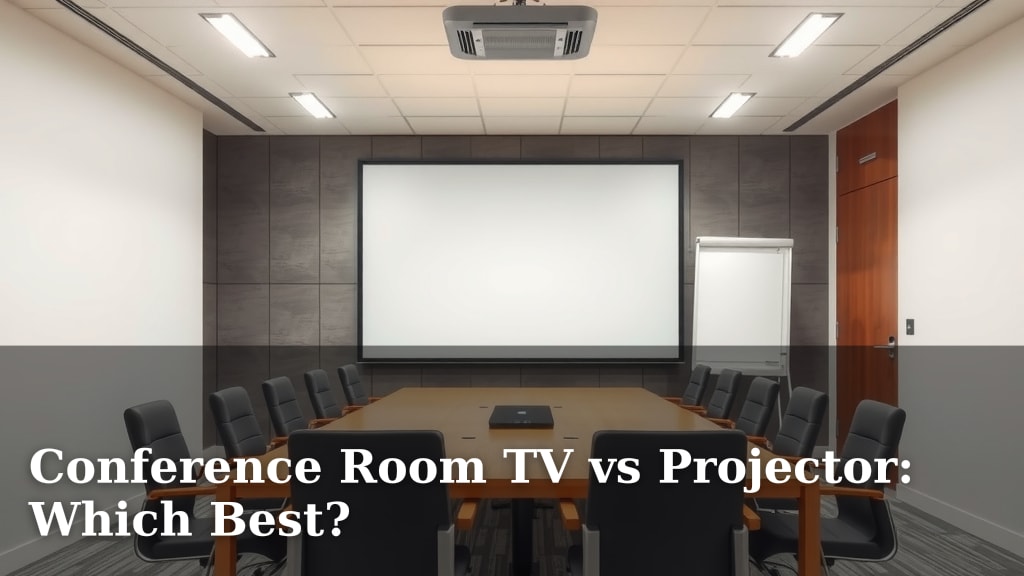
Conference Room TV vs Projector: Which Best?
When choosing between a conference room TV and a projector, a conference room TV generally offers a brighter, sharper image in most lighting conditions and requires less setup. While projectors can offer a larger screen size, a TV is often the better choice for clarity and ease of use, especially for everyday meetings. The decision really hinges on your specific needs.
We found that the biggest difference comes down to how and when you plan to use your display. TVs excel in well-lit rooms, providing vibrant visuals without needing darkness. Projectors, on the other hand, can create massive displays but often need a darkened environment to perform their best. Think about your typical meeting scenarios when making this choice; it makes a big difference in daily operation.
- TVs: Brighter, sharper images, easier setup, good in lit rooms.
- Projectors: Larger potential screen size, need darker rooms, can be more complex.
- Consider your meeting room’s lighting.
- Think about the size of your audience and desired display area.
Let’s break down the pros and cons of each to help you make the best decision for your team.
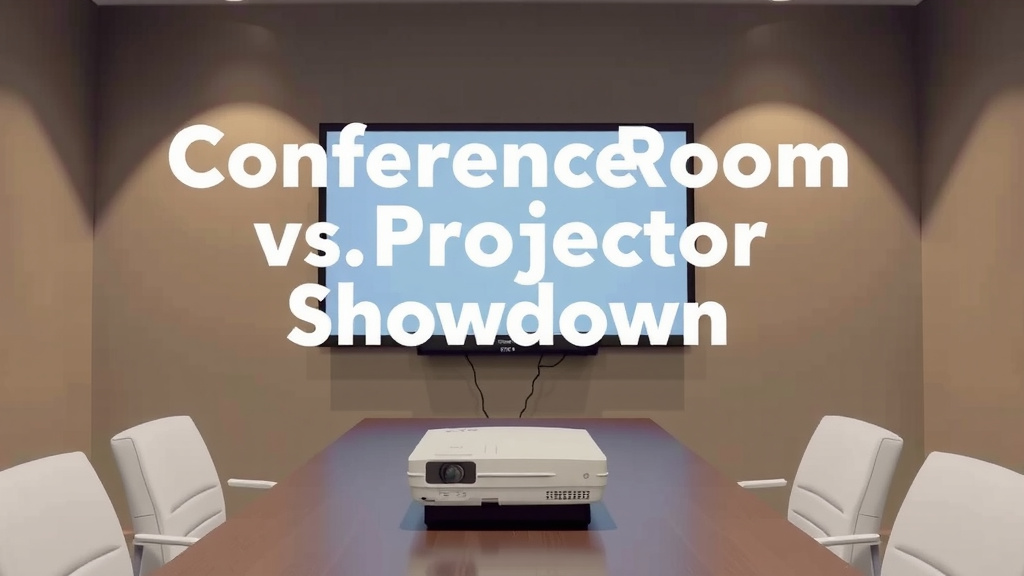
Conference Room Display: TV vs. Projector Showdown
Choosing the right display for your conference room can feel like a big decision. You want something that makes your presentations shine. You also want it to be easy for everyone to use. Many businesses wonder if a TV or a projector is the better fit. We’ve looked into what makes each one tick to help you decide. Let’s break down the core differences so you can pick the best option for your team’s needs.
Understanding the Core Differences
The main distinction really comes down to how they generate an image. TVs use a panel with built-in light sources. Projectors use a lamp or LED to throw an image onto a separate surface, like a screen or wall. This fundamental difference impacts everything from brightness and color to setup and cost.
Brightness and Visibility in Any Light
One of the biggest factors is how well the display performs in a typical office setting. Conference rooms often have windows or overhead lights. TVs generally produce a much brighter image. This means you can often use a TV without dimming the lights. Research shows that higher brightness levels improve contrast and make text easier to read (Society for Information Display).
Projectors, on the other hand, need a darker environment to look their best. If your room is too bright, the projected image can appear washed out. You might see faint colors and reduced detail. This can make it hard to read slides or see fine points on charts. Some newer projectors are brighter, but they often come with a higher price tag.
Image Quality and Resolution
When it comes to sharpness and detail, modern TVs often have an edge. They typically offer high resolutions like 4K. This means crisp text and clear graphics. The colors on a TV are usually vibrant and consistent across the screen. You get a true-to-life picture that’s easy on the eyes.
Projectors can also offer high resolutions. However, the perceived sharpness can depend on the screen quality. And dust on the lens can blur the image. While a projector can create a massive image, it might not be as sharp as a smaller TV screen at the same resolution. We found that for everyday presentations, the clarity of a TV is often preferred.
Screen Size and Immersion
This is where projectors have traditionally shone. They can create an enormous display. If you need a screen that fills an entire wall for a large audience, a projector is usually the way to go. You can get a 100-inch or even larger image from a projector. This can be very impactful for presentations and video conferencing.
TVs are catching up in size. You can buy very large TVs now, often 85 inches or more. However, these become incredibly expensive very quickly. For most standard conference rooms, a large TV can provide a plenty big screen. Consider your audience size. If you have more than 10-15 people, a projector might offer a more practical large display.
Ease of Use and Setup Considerations
Setting up and using your display daily matters. You don’t want your team spending precious meeting time troubleshooting technology. TVs are generally plug-and-play. You connect your laptop or device, and you’re usually good to go.
Installation and Connectivity
Installing a TV is straightforward. You can mount it on a wall or place it on a stand. Connecting devices is typically simple with HDMI ports. Many TVs also have built-in apps for streaming or video conferencing services. They often connect to your Wi-Fi network easily.
Projectors often require more setup. You need to consider mounting the projector securely. You also need a screen, which may require installation. Some projectors need calibration to get the picture just right. Connecting devices can sometimes be a bit trickier, especially if you need to switch between inputs frequently.
Maintenance and Lifespan
TVs are relatively low maintenance. You might need to clean the screen occasionally. The lifespan of modern LED TVs is quite long, often 50,000 hours or more. This means they can last for many years without issues.
Projectors have a lamp that will eventually need replacing. Lamp life varies, but it’s typically a few thousand hours. This means you’ll have a recurring cost and an occasional replacement task. Some newer LED or laser projectors have much longer lifespans, but they are more expensive upfront.
Cost and Long-Term Investment
The price of both options can vary wildly. However, there are general trends to consider for your budget.
Upfront Costs
For smaller to medium-sized screens (under 70 inches), TVs are often more affordable upfront. As you look at very large screen sizes (80 inches and above), projectors can become more cost-effective for the same screen area. However, remember to factor in the cost of a good screen for the projector, which can add up.
Ongoing Expenses
As we mentioned, projector lamps are a significant ongoing cost. They need replacement every 2-4 years, depending on usage. TVs don’t have this recurring expense. We found that for typical office usage, the long-term cost of ownership often favors TVs due to the absence of consumable parts like lamps.
When to Choose Which: A Quick Guide
To help you make the final call, let’s look at some scenarios.
Choose a TV if:
- Your meeting room is usually well-lit.
- You prioritize ease of use and quick setup.
- You need a bright, sharp image for presentations and video calls.
- Your audience is of medium size (up to 15 people).
- You want a device with smart features like built-in apps.
- You prefer minimal ongoing maintenance.
Choose a Projector if:
- You need a very large screen size, especially for large rooms.
- You can reliably control the lighting in your meeting space.
- Your budget allows for the initial setup (projector + screen) and potential future lamp replacements.
- You need to fill an entire wall with an image.
- Maximum screen real estate is your top priority.
Making Your Final Decision
Think about your day-to-day. Do you need a display that works perfectly in a bright room without any fuss? Or do you have a dedicated presentation space where you can control the light and need a truly massive screen? We found that for most businesses, the convenience, brightness, and image quality of a modern TV make it a stronger choice for everyday conference room needs. However, for specific large-format display requirements in controlled environments, a projector still holds its own.
Your Conference Room Display Checklist
Before you commit, consider these points:
- Room Lighting: How much control do you have over natural and artificial light?
- Audience Size: How many people typically attend meetings?
- Primary Use: Is it for quick updates, detailed data review, or immersive presentations?
- Budget: What’s your upfront cost and long-term budget for maintenance?
- Technical Skill: How comfortable is your team with technology setup and troubleshooting?
- Desired Screen Size: What’s the ideal viewing area for your space?
Conclusion
Choosing between a conference room TV and a projector comes down to your specific needs. We’ve seen that TVs generally offer superior brightness, sharper images, and much easier setup for everyday meetings. They perform wonderfully in well-lit rooms, making them the go-to for most business environments. Projectors still have their place for creating massive displays but require controlled lighting and more setup. Before you decide, take a moment to review your room’s lighting, audience size, and typical meeting content. Your ideal display is the one that makes your team’s presentations shine with minimal hassle.
Frequently Asked Questions
What’s the biggest difference in setup between a TV and a projector?
Setting up a TV is usually plug-and-play; you connect your device and you’re ready. Projectors often require mounting, a separate screen, and sometimes calibration, which adds more steps to the installation process.
Can a projector screen be as bright as a TV?
While projectors aim light onto a surface, TVs generate their own light. This means TVs are inherently brighter and maintain better contrast, especially in rooms with ambient light, compared to projected images.
Which is more cost-effective for a very large display?
For extremely large screen sizes (think wall-sized), projectors can often be more cost-effective for the sheer display area. However, remember to factor in the cost of a quality projector screen and potential lamp replacements.
Do I need to darken the room for a TV?
No, you do not need to darken the room for a TV. TVs are designed to produce bright, clear images even in well-lit environments, making them ideal for typical office spaces with windows and overhead lights.
What are the ongoing costs to consider for each option?
The main ongoing cost for projectors is replacing the lamp every few thousand hours. TVs have minimal ongoing costs beyond occasional cleaning; they don’t have consumable parts that need regular replacement.