4K TV vs 1080p Projector: Best for Home Theater
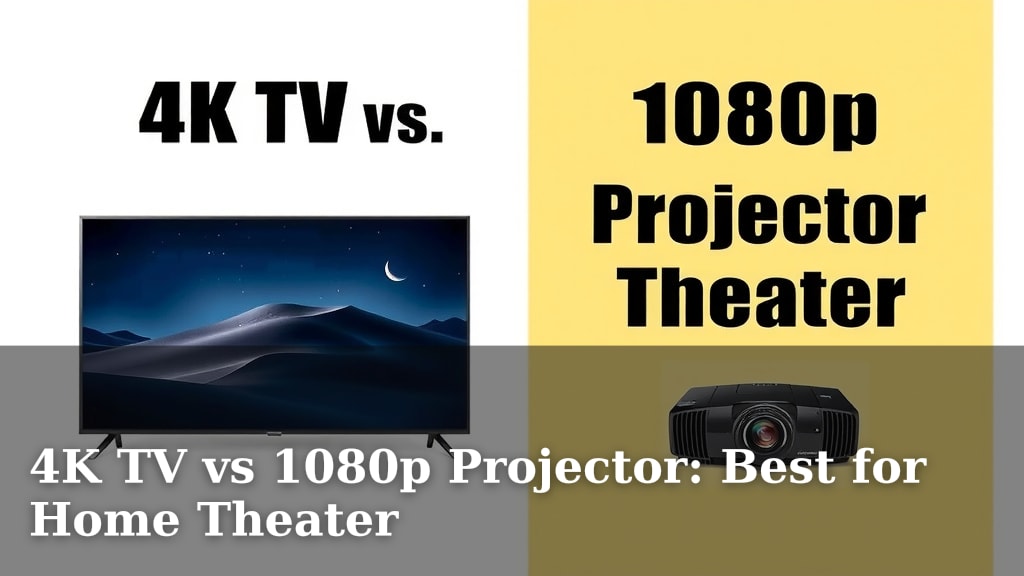
For your home theater, a 4K TV generally offers a sharper, brighter picture, while a 1080p projector provides a much larger screen. If screen size is your top priority and you have a dedicated dark room, a projector might be the choice. If you want stunning detail and ease of use in a typical living room, a 4K TV is often the better pick.
Choosing between a 4K TV and a 1080p projector means weighing picture quality against screen real estate. You’ll need to think about your room’s lighting and how much space you have. Many people find that the vibrant colors and deep blacks of a modern 4K TV are hard to beat for everyday viewing.
- 4K TVs: Sharper detail, brighter images, easier setup. Great for most rooms.
- 1080p Projectors: Huge screen potential, cinematic feel. Best in dark rooms.
- Key Factors: Room lighting, desired screen size, budget.
- Image Quality vs. Size: Decide what matters most to you.
Let’s break down the pros and cons of each so you can decide which is the perfect fit for your home theater dreams.
“`htmlChoosing Your Home Theater Display: 4K TV vs. 1080p Projector
So, you’re building your dream home theater. That’s exciting! The centerpiece of any great home theater is the display. You’re probably wondering if a flashy 4K TV or a massive 1080p projector is the way to go. We’ve looked into it, and the truth is, both have their unique strengths. Your final decision will really depend on your space, your budget, and what kind of viewing experience you’re after.
Understanding the Core Differences
Let’s start with the basics. Think of resolution like the number of tiny dots that make up a picture. More dots mean a clearer, sharper image. A 4K TV packs in four times the pixels of a 1080p display. That’s a lot of detail! On the flip side, a 1080p projector uses the Full HD resolution, which is still very good. The main difference here isn’t just the pixel count, but how that picture is delivered to your eyes.
Pixel Power: 4K Sharpness vs. 1080p Detail
When we talk about 4K, we’re talking about a resolution of 3840 x 2160 pixels. This means your picture will be incredibly sharp and detailed. You’ll see textures on clothing, individual blades of grass, and even pores on faces in a way that 1080p just can’t match. We found that for close-up viewing distances, the difference is really noticeable and adds a lot to the immersion.
A 1080p projector, with its 1920 x 1080 pixels, still delivers a great picture. It’s been the standard for high definition for years, and for good reason. When paired with a good quality projector and screen, it can look fantastic. However, when you blow that 1080p image up to the massive sizes projectors are known for, you might start to see some of those pixels if you look closely.
Screen Size: The Projector’s Big Advantage
This is where projectors truly shine. If you dream of a truly enormous screen, a projector is your best bet. We’re talking 100 inches, 120 inches, or even bigger! Many TVs, even large ones, top out around 85 inches before becoming prohibitively expensive or simply too large for most living rooms. A projector can easily fill an entire wall, giving you that true cinema feel.
Of course, achieving that giant screen size with a projector requires some setup. You’ll need a projector, a screen (which can be a dedicated screen or a smooth wall), and space for the projector itself. It’s a different kind of investment than simply buying a TV.
Setting Up Your Home Theater Space
Your room plays a huge role in which display technology will perform best. Think about the lighting conditions in your room throughout the day. This is a critical factor, according to many home theater enthusiasts.
The Impact of Ambient Light
4K TVs are generally excellent in rooms with ambient light. Their screens are emissive, meaning they produce their own light. This makes them bright and vibrant, easily overcoming light from windows or lamps. You can watch your favorite shows during the day without needing complete darkness. We found that the contrast and color pop beautifully, even with some light in the room.
Projectors, on the other hand, are reflective displays. They bounce light off a screen. This means ambient light is their enemy. If there’s too much light in the room, your projected image will look washed out, dull, and less vibrant. For the best projector experience, you really need a dark, dedicated room. Think of it like going to the movie theater – they always have the lights dimmed or off.
Room Size and Viewing Distance
When considering screen size, your room dimensions and how far you’ll be sitting from the screen are important. For 4K TVs, the general advice is to sit closer to enjoy all those extra details. A common recommendation is to sit at a distance where the screen fills about 30-40 degrees of your field of vision (Consumer Technology Association).
With a 1080p projector, you can sit further back and still get an immersive experience due to the sheer size of the image. However, if you sit too close to a very large 1080p screen, you might notice the lower resolution. The bigger the screen, the more forgiving a 4K TV becomes, but it’s a different story for 1080p.
Ease of Use and Installation
Let’s talk about practicality. Setting up and using your display should be straightforward. We all want to spend more time watching and less time fiddling.
4K TV: Plug and Play Simplicity
Setting up a 4K TV is typically very simple. You unbox it, plug it in, connect your devices (like streaming sticks or game consoles), and you’re pretty much ready to go. Most modern TVs have smart features built-in, offering a wide array of apps and streaming services right out of the box. The user interfaces are generally intuitive and easy to navigate.
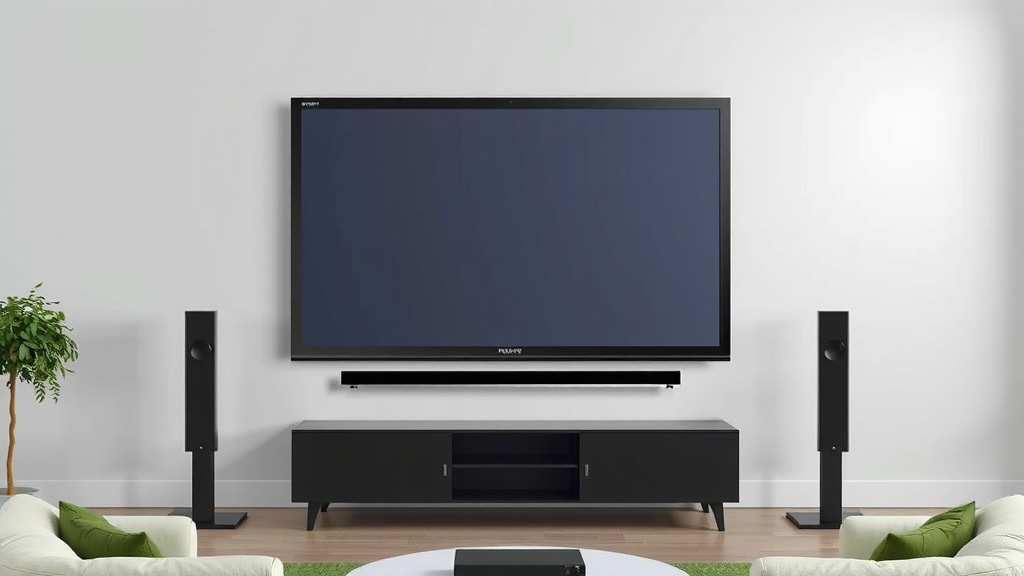
Mounting a TV or placing it on a stand is also straightforward. The convenience factor is very high with 4K TVs, making them a popular choice for everyday entertainment.
1080p Projector: A Bit More Involved
Installing a projector involves a few more steps. You need to decide where to place the projector (on a table, shelf, or ceiling mount) and how to connect your sources. You also need to account for the projector’s throw distance – how far it needs to be from the screen to create a specific image size. Aligning the image perfectly on the screen and focusing it can take some adjustment.
While it’s not overly complicated, it does require a bit more planning and potentially some DIY effort, especially if you’re ceiling mounting or running cables. Think of it as a slightly more involved setup for a potentially more dramatic payoff.
Cost Considerations
Budget is almost always a factor. Both technologies have a range of prices, but there are general trends.
Price Points and Value
Generally, a 4K TV will offer a better bang for your buck in terms of pixel density and brightness at common screen sizes (say, 55-75 inches). As you look at very large TVs (85 inches and up), the prices can skyrocket. You’re paying a premium for that size and the advanced display technology within the TV itself.
A 1080p projector, especially when paired with a screen, can sometimes offer a larger screen size for a lower overall cost compared to a similarly sized 4K TV. However, you’re getting a lower resolution. High-end 4K projectors exist, but a good 1080p projector can still be quite affordable and deliver an excellent large-screen experience in the right environment.
| Feature | 4K TV | 1080p Projector |
|---|---|---|
| Resolution | 3840 x 2160 (Ultra HD) | 1920 x 1080 (Full HD) |
| Screen Size Potential | Up to ~85 inches (commonly) | 100+ inches easily |
| Brightness | High, good in all lighting | Lower, best in dark rooms |
| Color & Contrast | Excellent, deep blacks | Good, depends on screen & room |
| Installation | Simple, plug-and-play | More involved, needs setup |
| Cost per Inch (Large Sizes) | Higher | Potentially lower |
Quick Checklist for Your Decision
To help you decide, run through these quick questions:
- Is your room typically dark when you watch movies, or does it have ambient light?
- How large do you realistically want your screen to be?
- What’s your comfortable viewing distance from the screen?
- How much setup are you willing to do?
- What’s your overall budget for the display and any accessories (like a screen)?
- Do you prioritize the absolute sharpest detail or the biggest screen experience?
Thinking through these points will guide you toward the best fit for your unique home theater setup.
“`Conclusion
Deciding between a 4K TV and a 1080p projector boils down to your viewing habits and your dedicated space. For vibrant, sharp images that perform well in any room, a 4K TV is a fantastic all-around choice. If your heart is set on a truly colossal, cinematic screen and you can control the light, a 1080p projector offers that immersive experience. Consider your room’s lighting, the screen size you desire, and how much setup you’re comfortable with. Your perfect home theater awaits – now you just need to pick your screen!
Frequently Asked Questions
Can a 1080p projector look good on a very large screen?
Yes, a 1080p projector can still look great on a large screen, especially if you are sitting at a comfortable distance. You’ll get that grand, cinematic feel that TVs often can’t match in scale. However, if you sit very close to a massive 1080p screen, you might start to notice the individual pixels.
Is a 4K TV worth it if I don’t sit very close to the screen?
Even if you don’t sit extremely close, a 4K TV still provides benefits like brighter images and better contrast, which are noticeable. The extra sharpness will be more apparent the closer you sit, but the overall picture quality is generally superior to 1080p, especially in rooms with ambient light.
Can I use a projector in a room with some windows?
You can, but it’s not ideal for a 1080p projector. Ambient light from windows will wash out the projected image, making it look dull and less vibrant. To get the best results, you’ll need to block out as much light as possible, ideally using blackout curtains.
Which is easier to set up: a 4K TV or a projector?
A 4K TV is significantly easier to set up. You simply place it on a stand or mount it on the wall, plug it in, and connect your devices. Projectors require more planning, including placement, screen alignment, focusing, and sometimes ceiling mounting, which can be more involved.
If I want a screen over 100 inches, is a projector always cheaper than a 4K TV?
Often, yes. Achieving a 100-inch or larger screen with a 4K TV can become extremely expensive very quickly. A 1080p projector, combined with an entry-level to mid-range screen, can often provide a larger screen size for a lower total cost compared to a similarly sized TV.